
Relying on basic image privacy tools makes posting the same creative across multiple accounts or platforms risky due to persistent metadata and digital fingerprints. Most mainstream social scheduling and management tools either skip advanced image spoofing or leave EXIF traces that expose device and location information. This comparison shows which image privacy variation software delivers true metadata stripping and unique file generation so you can match a solution to your workflow and risk tolerance.
Table of Contents
One2many.pics
At a Glance
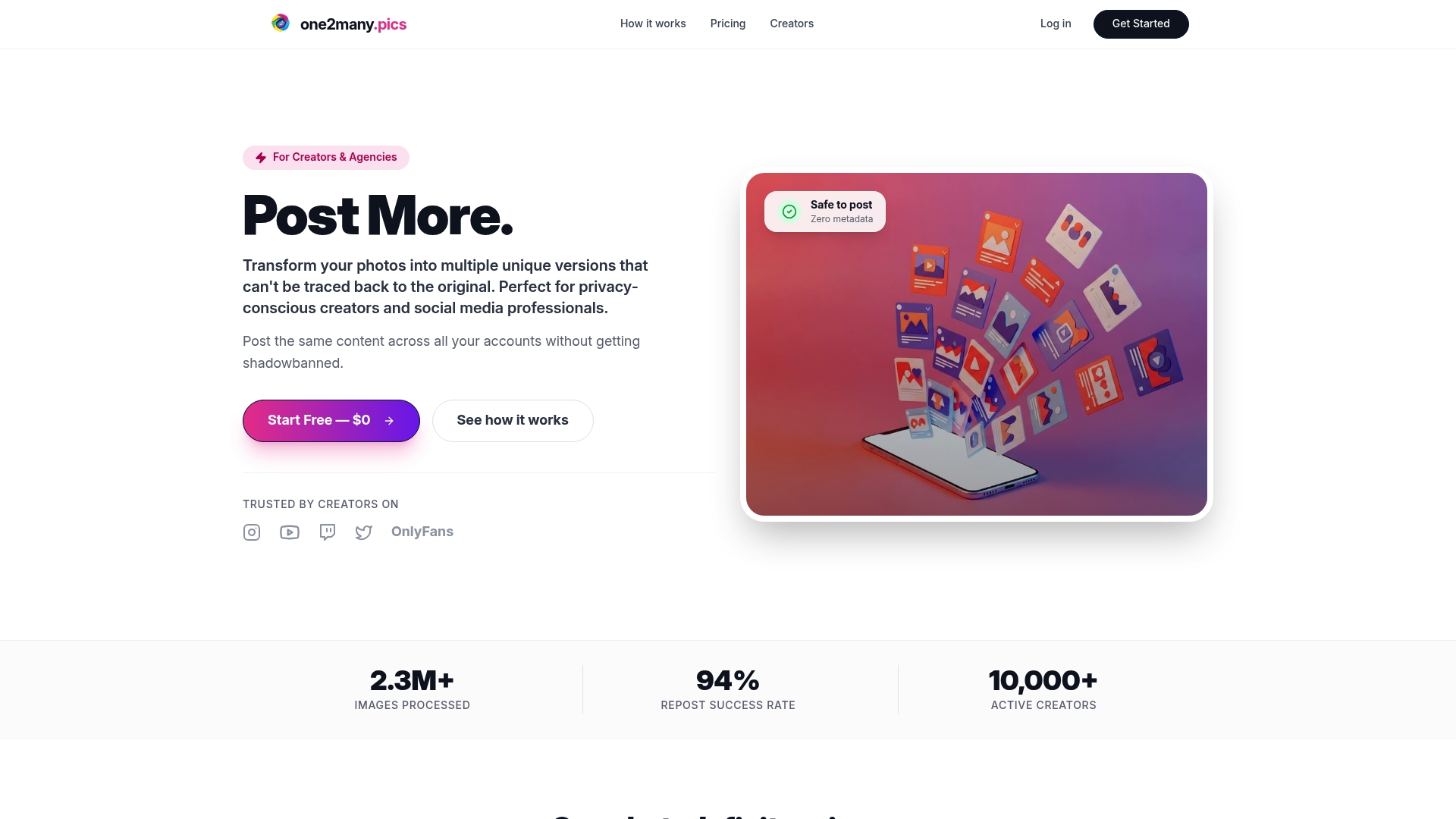
Plans start at $2.99 per month for the Creator plan and scale to $150 per month for agency tiers with unlimited images and workflow tools. The vendor reports being trusted by thousands of active creators and agencies, a self-reported figure.
Core Features
- Image variation generation that produces visually identical but digitally unique copies for each run.
- EXIF metadata removal including location, device information, and timestamps to strip identifiable traces.
- Image spoofing to generate distinct visual variants and avoid reverse-search matches.
One2many.pics also offers a simple upload flow, customizable variation settings, secure download options, and batch processing with automation capabilities.
Key Differentiator
Transforms single source photos into multiple unique files that cannot be traced back to the original, letting you repost identical creative across accounts without leaving a persistent digital fingerprint.
Pros
-
The privacy model replaces manual edits. Instead of exporting and renaming dozens of files, you generate unique copies programmatically and remove EXIF in one pass.
-
Batch processing reduces repetitive work for high-volume creators. You can queue hundreds of images and let the system output variations while you focus on captions and scheduling.
-
Workflow features are aimed at teams. Higher tiers include automation and integration points that let agencies connect content pipelines to cloud storage.
-
Pricing spans hobbyist to agency. The low entry price keeps basic privacy tools accessible while larger plans unlock unlimited image output and team features.
-
The platform's output is designed to be resilient against reverse-image search and duplicate detection, which helps prevent content suppression when reposting at scale.
Cons
- Focused only on image privacy and variation, not on post scheduling, analytics, or full social media management.
Notable Integrations
- Google Drive integration is available on Professional and above, allowing automated import and export of image batches directly from cloud storage.
Who It's For
Privacy-conscious social media creators, influencers, and agencies managing multiple accounts who need to repost the same creative without revealing device or location data. Best for teams that handle high image volume and need automation in production workflows.
Unique Value Proposition
Per-run image spoofing plus full EXIF stripping means you can take one high-performing photo and generate dozens or hundreds of legally distinct files without manual retouching. That reduces asset churn and avoids rebuilding creative for each account.
Real World Use Case
An influencer duplicates a viral post across several platforms. They upload the master image, run a batch job that creates unique variants and strips metadata, then download secure files ready for scheduling. The result is consistent creative without shared metadata footprints.
Pricing
Plans start at $2.99 per month for the Creator plan with limited daily processing. Pricing scales to $150 per month for agency tiers with unlimited images, workflow automation, and team features. Lower tiers enforce daily or monthly processing limits.
Website: https://one2many.pics
Buffer
At a Glance
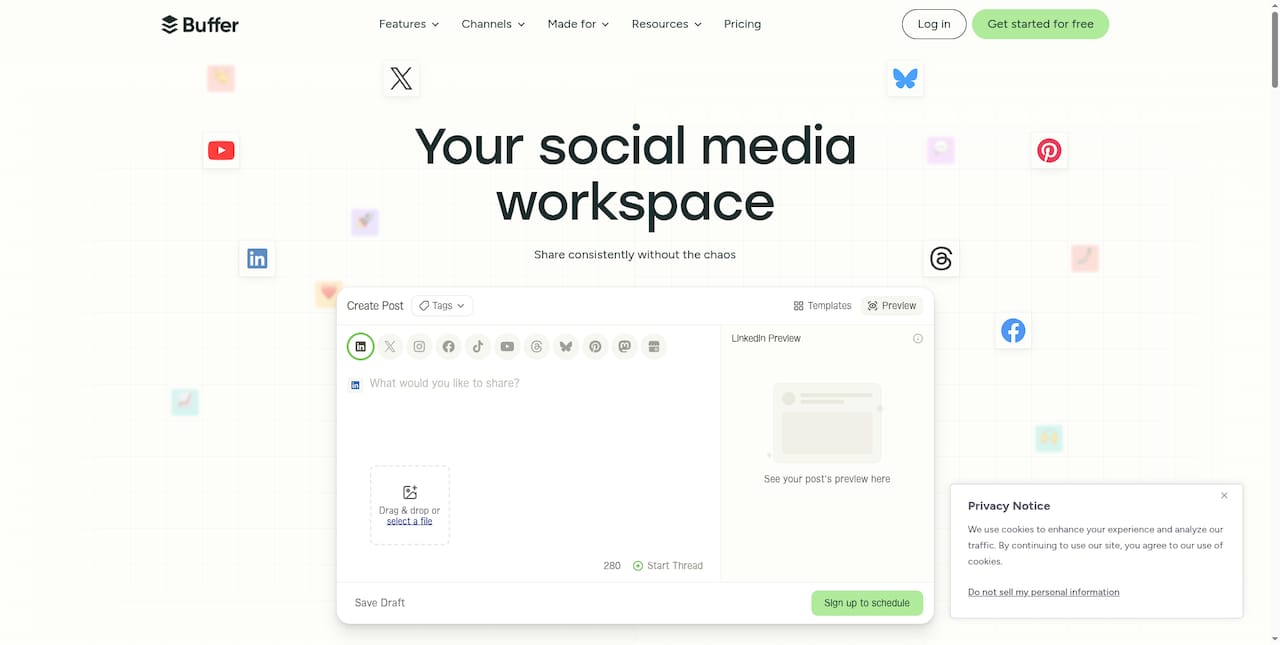
Buffer lists support for Facebook, Instagram, LinkedIn, Twitter (X), YouTube, TikTok, Pinterest, Mastodon, Bluesky, Threads, and Google Business Profile — a notably broad channel footprint for a single social scheduler.
The product combines scheduling, community engagement, collaboration tools, analytics, and an AI assistant aimed at content drafting and refinement.
Core Features
- Create library of content ideas to stash captions, assets, and post templates for reuse.
- Schedule and publish content across multiple social media platforms with queued posting and calendar views.
- Analyze performance with metrics and insights to compare account and post-level results.
- Engage with comments and interactions from a unified inbox for community management.
- Collaborate with teammates using approval workflows and shared drafts.
- Build custom link-in-bio pages and use an AI assistant for copy suggestions.
Key Differentiator
Buffer's angle is a cross-channel management suite that pairs publishing and community tools with integrated AI and team workflows. This focus targets planning and performance across many networks rather than image privacy or metadata variation workflows offered by One2many.
Pros
- Saves time on repetitive posting through queued scheduling and a reusable content library which reduces manual cross-posting overhead.
- Broad channel support lets agencies run campaigns that include emergent networks such as Bluesky and Threads alongside legacy platforms.
- Collaboration features and approval workflows make it practical for client teams that need an auditable content pass before publishing.
- Built-in analytics gives teams post-level signals to optimize timing and creative choices without exporting CSVs constantly.
- Extra resources and templates lower the ramp time for creators who want starting points for captions and campaign structures.
Cons
- Some users report failed scheduled posts and inconsistent publishing at times which undermines trust for high-stakes campaigns.
- Plan restrictions can limit posting volume or features, so heavy multi-client agencies may hit caps or gated functionality.
- Ongoing technical failures reported by a portion of users mean you will need a backup plan for time-sensitive announcements.
When It May Not Fit
If you require absolute publishing reliability for timed launches or product drops the reported outages and missed posts make Buffer a risky single point of failure.
Buffer is also not designed for forensic image privacy, metadata removal, or image spoofing workflows. If you rely on tools like One2many for transforming images to avoid duplicate detection, Buffer will not replace that functionality.
Who It's For
Social media managers, small marketing teams, individual creators, and agencies that need centralized scheduling, community inboxing, and collaborative approvals across many platforms. Ideal when editorial control and cross-post cadence matter more than low-level image fingerprinting.
Real World Use Case
A marketing agency uses Buffer to schedule client calendars across Facebook, Instagram, and LinkedIn. Team members draft posts in the content library then route items through approval workflows. Analytics from Buffer guide timing tweaks and creative rotations between campaigns.
Pricing
The provided product data did not include specific pricing figures. Buffer offers subscription plans on its site that typically segment by features and account volume, so review current plan details on the vendor page before committing.
Website: https://buffer.com
Hootsuite
At a Glance
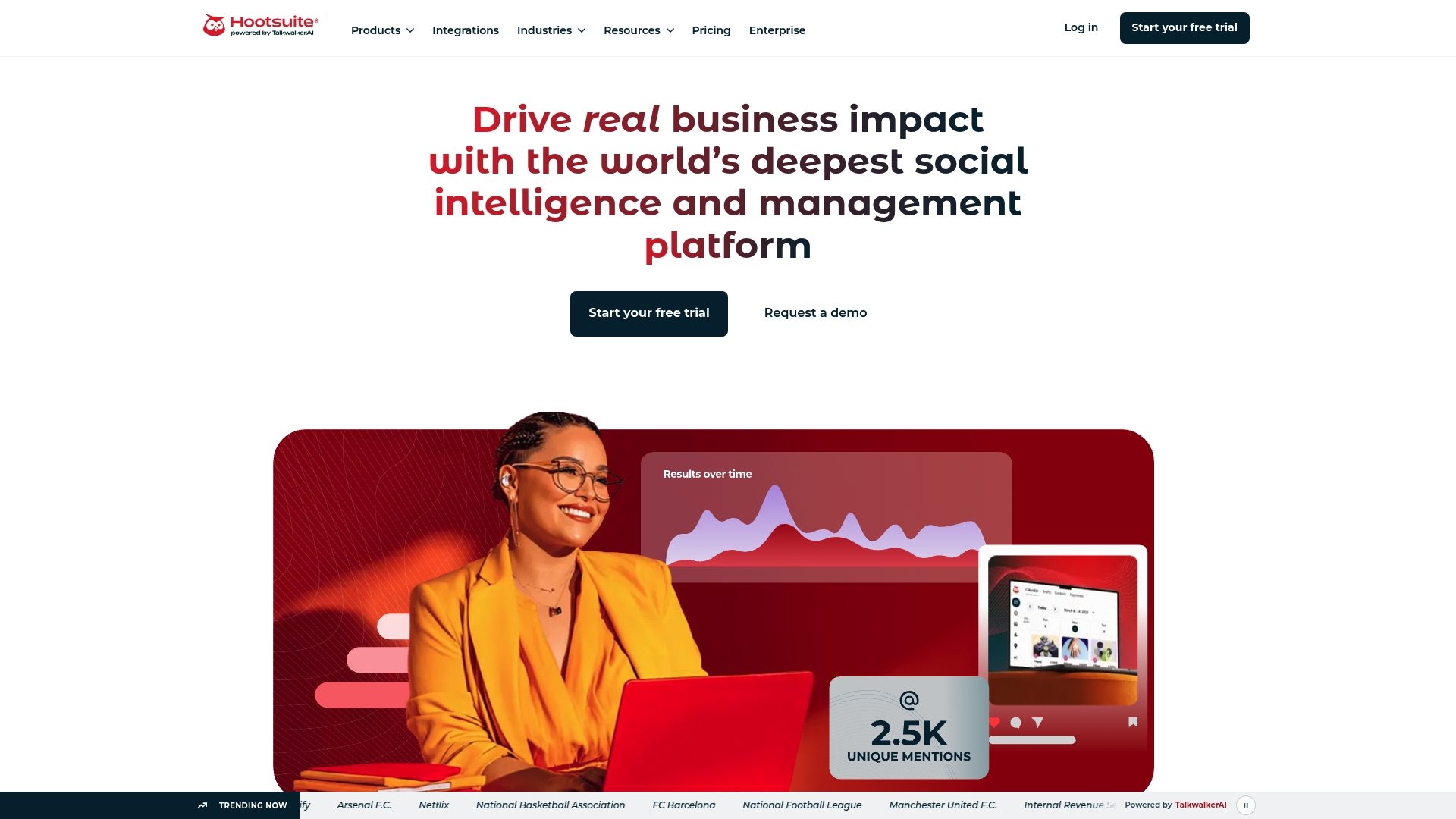
Hootsuite reports more than 25 million users and combines TalkwalkerAI social listening with scheduling and reporting inside the same dashboard. That pairing lets teams move from detection to response without stitching separate tools together.
Core Features
Content planning and cross-network scheduling sit alongside performance reporting and sentiment analysis. The platform centralizes posting while surfacing what people are saying in real time.
- Content creation and scheduling for multiple social networks with queue and calendar views.
- Social listening and sentiment analysis that flags trending topics and reputation risks.
- Analytics and exportable reports for campaign ROI and executive briefings.
- AI suggestions for content ideas and recommended posting times.
Key Differentiator
The clear angle is the built-in AI listening layer. Where many managers use one tool to schedule and another to monitor, Hootsuite integrates both so teams can act on trends, escalate alerts, and measure impact from the same interface.
Pros
- Robust analytics and reporting make month-end reporting faster and more defensible for budget conversations.
- Streamlined content planning reduces context switching; you can draft, schedule, and queue posts for multiple accounts in one workflow.
- Deep listening powered by AI helps spot sentiment shifts before they escalate into public issues.
- Broad integrations support handoffs to CRM, design, and collaboration systems, which matters for cross-functional teams.
- Scales to global teams and many accounts without creating dozens of disconnected dashboards.
Cons
- The interface can feel busy and overwhelming, especially for small teams or infrequent users who prefer a minimalist tool.
- Users report glitches like duplicate posts or unexpected behaviors during bulk operations; those incidents interrupt publishing schedules.
- Support responsiveness varies, which may be a problem for fast-moving crisis monitoring.
When It May Not Fit
If you manage only one or two brand accounts and post occasionally, Hootsuite's breadth adds overhead. If you need ironclad reliability for automated bulk publishing, reported duplicate-post issues make it a risky sole channel. Small teams that want minimal setup will find the UI dense.
Notable Integrations
- Salesforce
- Mailchimp
- HubSpot
- Marketo
- Slack
- Microsoft Teams
- Google Analytics
- Canva and Adobe Express
Who It's For
Marketing teams, social media managers, and PR professionals working across multiple channels and regions. Hootsuite suits organizations that need combined scheduling, listening, and reporting in a single place.
Real World Use Case
According to the vendor, a global hospitality chain consolidated 250 plus accounts into one workspace and reported a 46 percent follower increase in one year while cutting reporting time by 30 percent. That case shows the platform’s strengths at scale, particularly for centralized brand teams.
Pricing
Paid plans are available with enterprise customization and a free trial for evaluation. Pricing tiers scale by feature set and account volume, with enterprise options for custom contracts and service.
Website: https://hootsuite.com
Later
At a Glance
$18.75 per month (Starter) when billed annually with three months free and a 25% discount is the most concrete hook here. Later packs scheduling, analytics, influencer tools, and AI caption helpers in a single interface aimed at teams and creators.
Core Features
Visual drag-and-drop planning sits at the center of Later alongside cross-platform scheduling and auto-publishing. The platform includes AI caption and idea generation, a customizable Link in Bio with analytics, and performance reporting for post-level insights.
A mobile app duplicates core scheduling and publishing tasks so you can manage campaigns while away from a desktop. The planner supports multi-account workflows for agencies and multi-brand teams.
Key Differentiator
Later pairs a strong visual planner with built-in AI content helpers. That combination shortens the time from concept to post by offering a canvas to arrange assets and an AI assistant to draft captions and suggestions without leaving the scheduler.
Pros
-
Visual planner and drag-and-drop calendar make it fast to construct weekly mixes of Instagram, TikTok, and Facebook posts with accurate timing.
-
AI caption and content idea tools reduce writer friction when you need multiple caption variants for A B testing or platform-specific tone.
-
Broad platform coverage: native publishing options for Instagram, Facebook, TikTok, Twitter, Pinterest, LinkedIn, YouTube, and Snapchat simplify multi-channel campaigns.
-
Mobile app keeps content approvals and last minute edits manageable for creators on the go.
-
Link in Bio customization plus analytics gives a lightweight conversion layer for creators who need a simple landing hub.
Cons
-
Trustpilot reviews indicate problems with unexpected charges and auto renewals for some customers, a reputational issue you should factor into procurement and billing checks.
-
Several reports of slow or unhelpful customer support mean you may face delays resolving publishing or billing incidents.
-
Some users find parts of the platform unintuitive or that specific auto-publish workflows do not behave as advertised.
When It May Not Fit
If your team requires enterprise grade SLAs, advanced resource planning, or workflow automation beyond the scheduler, Later may feel limited. Agencies that need built in time tracking, complex approval chains, or guaranteed rapid support should evaluate alternatives before committing.
Notable Integrations
Later connects natively to the major social networks you actually use: Instagram, Facebook, TikTok, Twitter, Pinterest, LinkedIn, YouTube, and Snapchat. Those integrations enable direct publishing for many post types and unlock analytics tied to each network.
Who It's For
Social media managers, small to medium marketing teams, and creators who prioritize a visual planning surface plus quick caption generation. It fits teams that want a single tool for scheduling across multiple networks without assembling several point solutions.
Real World Use Case
A lifestyle brand uses Later to batch plan a month of Instagram carousel posts, schedule matching TikTok clips, and publish to Facebook. The team drafts captions with the AI tool, drops assets into the visual calendar, and tracks engagement to refine posting times.
Pricing
Pricing is tiered and shown as annual rates with the vendor offering three months free and a 25% discount when billed yearly. The listed plans start at $18.75 USD/month (Starter), then $37.50 USD/month (Growth), and $82.50 USD/month (Scale) when paid annually.
Website: https://later.com
SocialPilot
At a Glance
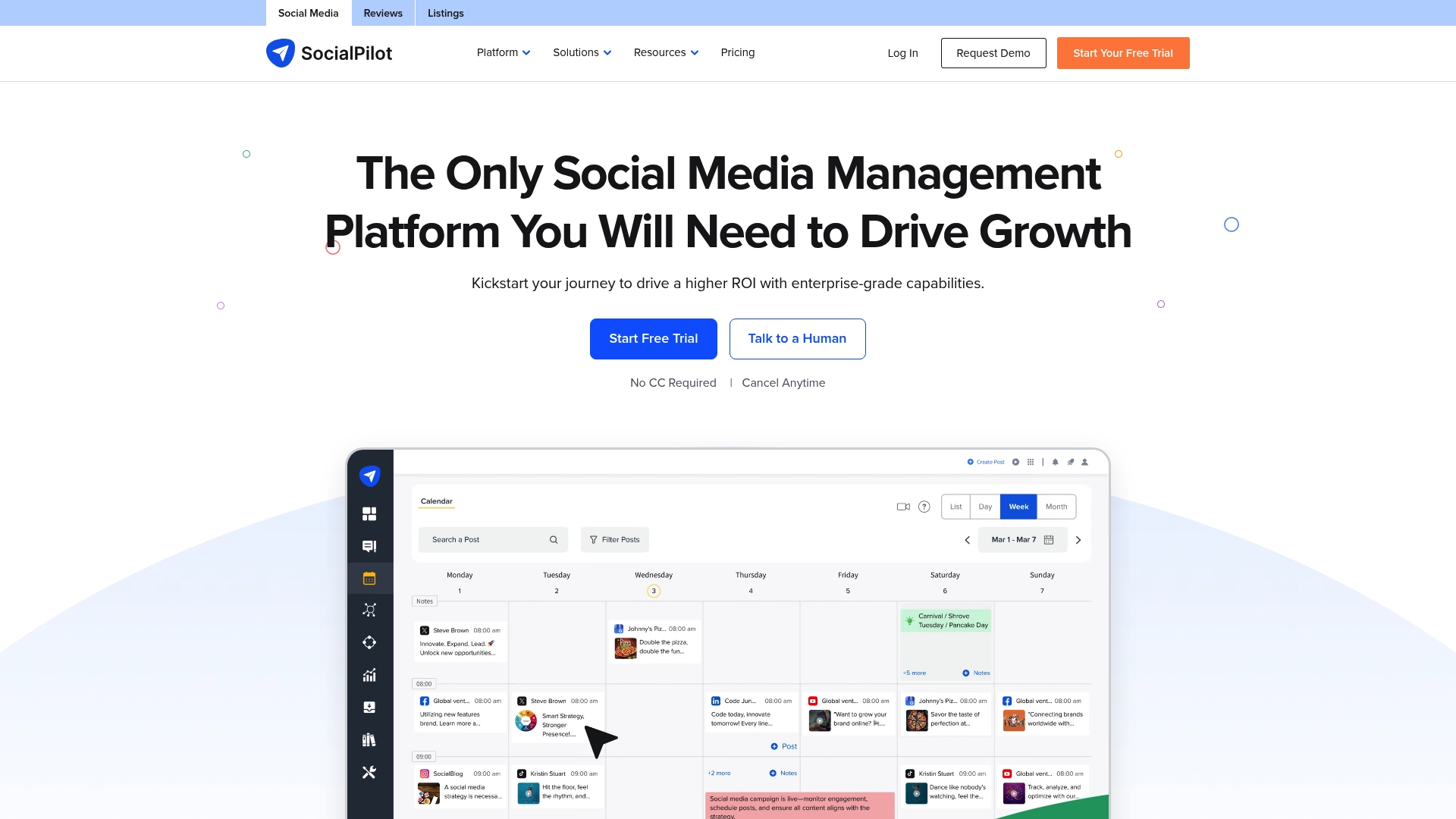
The vendor reports a track record of over 13,500 customers worldwide, a concrete sign they focus on agency and SMB scale. SocialPilot pairs white-label controls with AI scheduling and bulk publishing to move many accounts through predictable workflows quickly.
Core Features
Publishing and bulk scheduling across major social platforms sits at the center of SocialPilot. The platform bundles analytics, a social inbox, and team roles into one console.
- Publishing and Scheduling with bulk CSV import and queue management
- Analytics and Reporting for client-ready graphs and exports
- Team Collaboration with roles, approvals, and white-label branding
- Content Library plus AI content generation and scheduling tools
- Review Management and multi-account inbox for engagement
Key Differentiator
SocialPilot’s selling point is the mix of white-label options, broad platform integrations, and AI-assisted scheduling at price points that target agencies. Compared with One2many’s privacy-focused image tooling, SocialPilot aims at social operations and client deliverables rather than image spoofing or metadata removal.
Pros
- The interface is straightforward so new social managers learn the workflow fast and start publishing the same day.
- Cost structure favors agencies running many client accounts since features like reporting and white-label are available without enterprise-only contracts.
- Robust reporting produces client-ready exports which reduces time spent assembling monthly decks.
- Team controls and role permissions help keep approvals and publishing predictable for multi-person teams.
- The company claims strong customer numbers and satisfaction; that customer figure above supports the product maturity story.
Cons
- Lower tiers cap account and user counts which forces upgrades for very large agencies with dozens of clients.
- Advanced functions such as custom fields and watermarking are locked behind higher plans which fragments feature access.
- If you need deep bespoke integrations or custom enterprise connectors you will likely need a direct sales conversation.
When It May Not Fit
If you publish only images and need tools that remove metadata and create multiple visually spoofed variants, this product does not focus on privacy-first image transformation. Very large teams that need unlimited accounts without tiered limits will find plan boundaries restrictive. Agencies expecting every advanced feature on the cheapest plan will need to upgrade.
Notable Integrations
SocialPilot lists integrations including feedly, drive, slack, zapier, dropbox, canva, and box. The vendor also provides connectors for additional tools bundled in the integrations array, which the marketing materials enumerate.
Who It's For
Small to medium marketing teams, social media agencies, and multi-location brands that need bulk scheduling, client reporting, and white-label options without enterprise procurement cycles. Good fit when you need predictable publishing at scale more than bespoke developer integrations.
Real World Use Case
A marketing agency uses SocialPilot to manage over 100 client accounts. They upload month-long calendars via bulk CSV, schedule posts with AI suggestions, and deliver branded analytics reports each month. The result is fewer manual exports and faster client approvals.
Pricing
Pricing starts at $20 per month for Essentials and scales up to $200 per month for Enterprise, with annual discounts available. Add-on charges apply for extra accounts or premium features on some plans.
Website: https://socialpilot.co
SocialBee
At a Glance
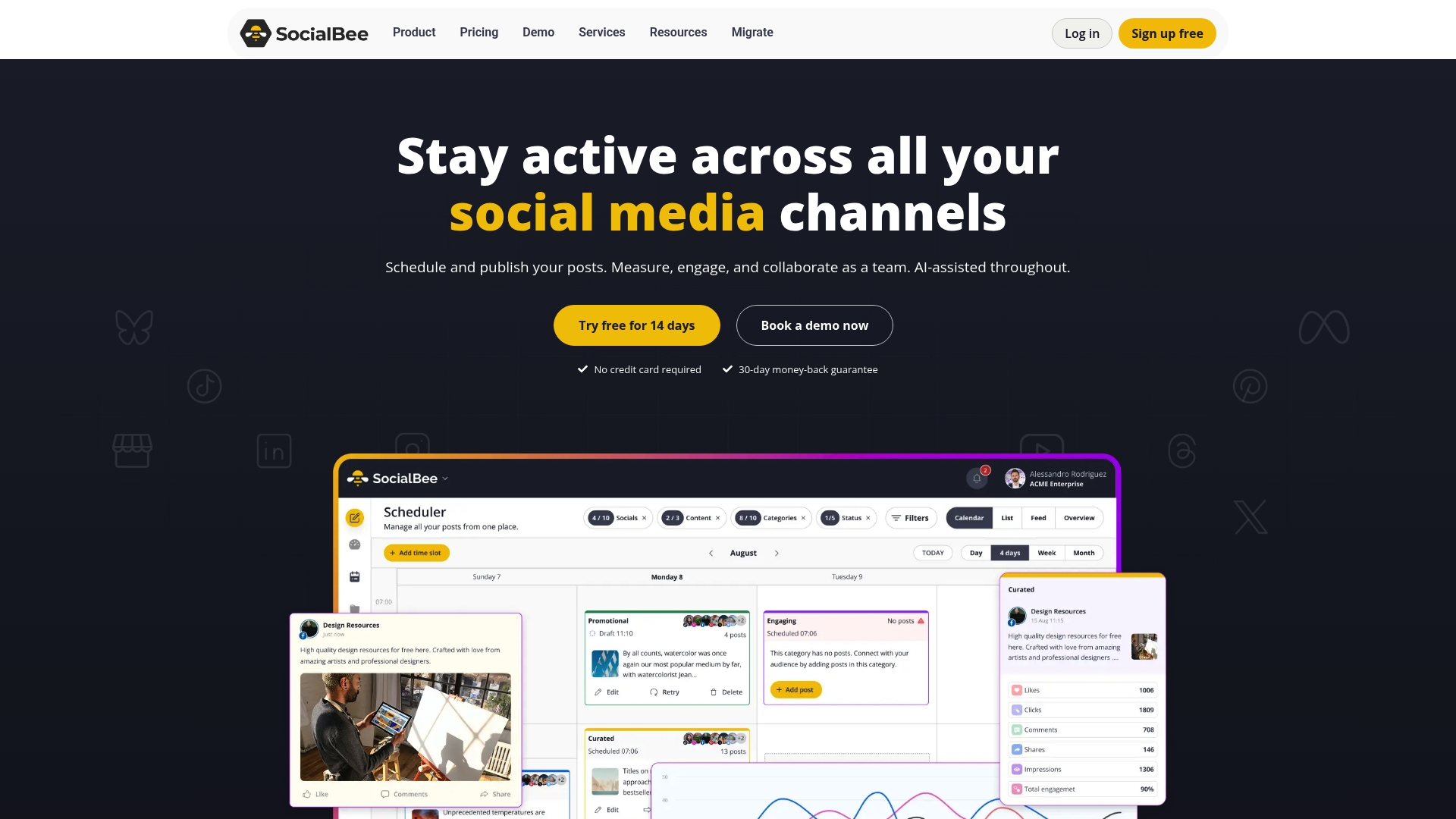
Plans start from $29 and top at $449 per month, and SocialBee advertises a 14-day free trial, which makes testing its AI features low risk. The app combines scheduling, engagement, and reporting for many major social networks from a single dashboard.
Core Features
SocialBee groups core functionality around content creation, scheduling, engagement, collaboration, and analytics.
- AI content generation with visual inserts from Canva, Unsplash, and GIPHY to speed up post drafts.
- Automated scheduling and cross-platform posting across Facebook, Instagram, TikTok, Twitter, LinkedIn, Pinterest, and YouTube.
- Team workspaces, role management, and approval flows for agencies and small marketing teams.
- Social analytics, performance reports, and an engagement inbox that pulls comments, mentions, and DMs into one place.
Key Differentiator
SocialBee’s main angle is its combination of AI content creation plus broad visual integrations, packaged for small teams and agencies. That focus differs from One2many.pics, which centers on image privacy and creating multiple unique image versions rather than full social account management.
Pros
- The all-in-one approach means you can draft posts with AI, add Canva visuals, and schedule across networks without switching tools.
- Good fit for agency workflows: workspace roles and approval chains keep client accounts separated and auditable.
- The engagement inbox reduces inbox hopping by consolidating comments and messages from multiple channels.
- Pricing tiers give smaller teams entry-level capabilities while higher tiers unlock advanced analytics and automation.
- Strong integration coverage supports link shorteners and visual assets, which speeds content production.
Cons
- The breadth of features can feel overwhelming when you first log in; there is a setup curve for nontechnical users.
- Advanced automation and deep customization are limited on lower plans; some power users will need higher tiers.
- Analytic depth varies by plan; cheaper tiers may not provide the historical or export detail agencies want.
When It May Not Fit
If you need granular automation workflows or enterprise-grade reporting out of the box, SocialBee’s lower tiers will be constraining. Teams that require heavy API-based custom pipelines should verify plan capabilities before committing.
Notable Integrations
- Canva
- Unsplash
- GIPHY
- Bitly
- Replug
- Rebrandly
- BL.INK
- JotURL",`Zapier
Who It's For
Solopreneurs, small businesses, marketing teams, and social media agencies that need a single dashboard to create, schedule, engage, and report. Ideal when you want AI-assisted content plus visual integrations without stitching many point tools together.
Real World Use Case
A digital marketing agency uses SocialBee to generate post drafts with AI, attach Canva visuals, schedule content across client accounts, monitor comments in a shared inbox, and export monthly performance reports — saving hours per campaign while keeping deliverables consistent.
Pricing
SocialBee’s published range is $29 to $449 per month, with a 14-day free trial and discounts for annual billing. Plans scale by number of profiles, users, and advanced features.
Website: https://socialbee.com
Comparative Analysis
Choosing the right image privacy variation software or multi-platform media management tool requires evaluating specific organizational or individual needs. Below, we examine One2many.pics alongside other contenders and distil insights into when each tool excels.
Privacy and Metadata Management
One2many.pics uniquely focuses on image privacy by spoofing visual data and removing metadata traces. This focus contrasts with software like Buffer, Hootsuite, Later, SocialPilot, and SocialBee, which primarily address multi-platform scheduling and campaign management. Agencies requiring absolute privacy for high-frequency reposts or managing content across platforms while preserving data confidentiality may find One2many.pics indispensable.
Scalability for Multi-Channel Content Management
In managing several social media channels simultaneously, tools like Buffer and Hootsuite offer specialized features such as multi-platform scheduling with analytics and client approval workflows. These strengths make them suited to large campaigns involving diverse networks. For example, Hootsuite’s integration capabilities, combined with AI-driven analytics and sentiment detection, provide insights enabling agile campaign adjustments.
Best Fit Recommendations
-
One2many.pics: For creators or teams focusing on image privacy and metadata management, One2many.pics provides highly specialized tools that simplify repetitive tasks involving image duplication and quality control.
-
Buffer: For organizations aiming at streamlining their multi-platform operation while requiring unified analytics and approval chains, Buffer emerges as a strong choice.
-
Hootsuite: Suitable for teams requiring native cross-platform scheduling integrated with real-time sentiment monitoring, enabling proactive engagement strategies.
Our Pick
Among the analyzed options, One2many.pics stands out for its unique focus on guaranteeing image privacy and managing metadata efficiently, catering directly to creators and agencies needing digital fingerprint prevention across reused assets. However, when campaign management and platform diversity are top priorities, alternatives like Buffer and Hootsuite present compelling advantages.
Comprehensive Image Privacy Tools Comparison
Identify the most suitable tool for managing image privacy, metadata removal, and unique content creation based on these attributes.
| Product Name | Core Feature | Key Differentiator | Best For | Pricing | Notable Limitation |
|---|---|---|---|---|---|
| One2many.pics | Image variation and metadata removal tools | Unique, digitally untraceable image creation | High-volume creators and privacy-focused teams | Starts at $2.99/month | Lacks post scheduling and broader social media management capabilities |
| Buffer | Scheduling and analytics for social platforms | Integration with multiple platforms and AI tools | Social media managers requiring cross-platform planning | Not disclosed | Inconsistent reliability reported for schedule-oriented functions |
| Hootsuite | Social listening and sentiment analysis features | Combines analytics with content scheduling | Teams needing scheduling and sentiment insights | Not disclosed | Interface complexity unsuitable for small or minimalist teams |
| Later | Visual-focused social media scheduling tool | Drag-and-drop planner with AI caption assistance | Agencies and creators prioritizing visual workflows | Starts at $18.75/month | Instances of unexpected billing charges and support challenges |
| SocialPilot | Bulk publishing with analytics and team controls | White-label solutions targeting agencies | Agencies managing multiple client accounts | Starts at $20/month | Features gated by tiers, limiting lower-cost plans |
Discover Better Privacy and Image Variation with One2many
When exploring postonce.app alternatives, the key challenge often lies in managing multiple social media accounts without risking shadowbans or duplicate content detection. If your goal is to repost the same creative safely while maintaining privacy and avoiding platform penalties, One2many is built for you. It helps you generate unique image variations by stripping metadata like device info and location while producing visually distinct copies—perfect for influencers, agencies, and creators handling multiple accounts.

Ready to protect your digital footprint and streamline image privacy in a single tool? Visit One2many.pics to start creating secure, spoofed images with customizable variation settings. Upload your master photo and download multiples that look authentic but remain undetectable by duplicate algorithms. Experience how easy it is to scale your content securely and avoid bans across platforms.
Frequently Asked Questions
How does One2many ensure image privacy during variation generation?
One2many strips EXIF metadata, including location and device information, ensuring that each image variation is digitally unique and free from identifiable traces. This feature supports users in maintaining privacy while reposting images across multiple platforms. Consider using One2many if your main concern is protecting sensitive data while managing high volumes of shared content.
What is the difference between One2many and Buffer in terms of user capabilities?
Buffer excels in cross-channel management, offering a wide range of features like scheduling, analytics, and community engagement tools, making it ideal for social managers who focus on client interaction. On the other hand, One2many specializes in image privacy and variation, making it more suitable for users focused solely on creating and managing unique images in bulk. Decide based on whether you need broader social management capabilities or specific image variation features.
Which platform is better for batch processing images: One2many or Hootsuite?
One2many provides batch processing capabilities that allow users to queue hundreds of images for unique variations, enhancing efficiency for high-volume creators. Hootsuite, while offering scheduling and analytics, does not focus on image privacy or variation workflows. If your goal is to automate and optimize image outputs without extensive manual effort, One2many would likely be the better choice.
Can I integrate storage options with One2many for image management?
Yes, One2many offers integration with Google Drive on its Professional and above tiers, enabling automated import and export of image batches directly from cloud storage. This feature can significantly streamline your workflow, especially if you frequently upload and manage large volumes of images online.
How does One2many's pricing compare when scaling up image output?
One2many starts at $2.99 per month for the Creator plan with limited daily processing, scaling up to $150 per month for agency tiers that support unlimited images and workflow automation. This tiered pricing structure allows users to choose a plan that best fits their volume needs as they grow.