

Protecting sensitive image data from exposure during sharing or hosting often takes too many tools and leaves traces like EXIF metadata or digital fingerprints behind. Many popular image services either keep uploaded files on external servers without guaranteeing deletion or limit privacy controls to manual steps that do not scale for teams. This list details privacy-focused image tools so you can choose an option that automates metadata removal, digital variation, and secure processing for your next project.
Table of Contents
- one2many.pics
- Pixboost
- IMGCentury
- imgproxy
- iLoveIMG
- TinyPNG (tinypng.com)
- Comparative Analysis of Image Privacy Tools
one2many.pics
At a Glance
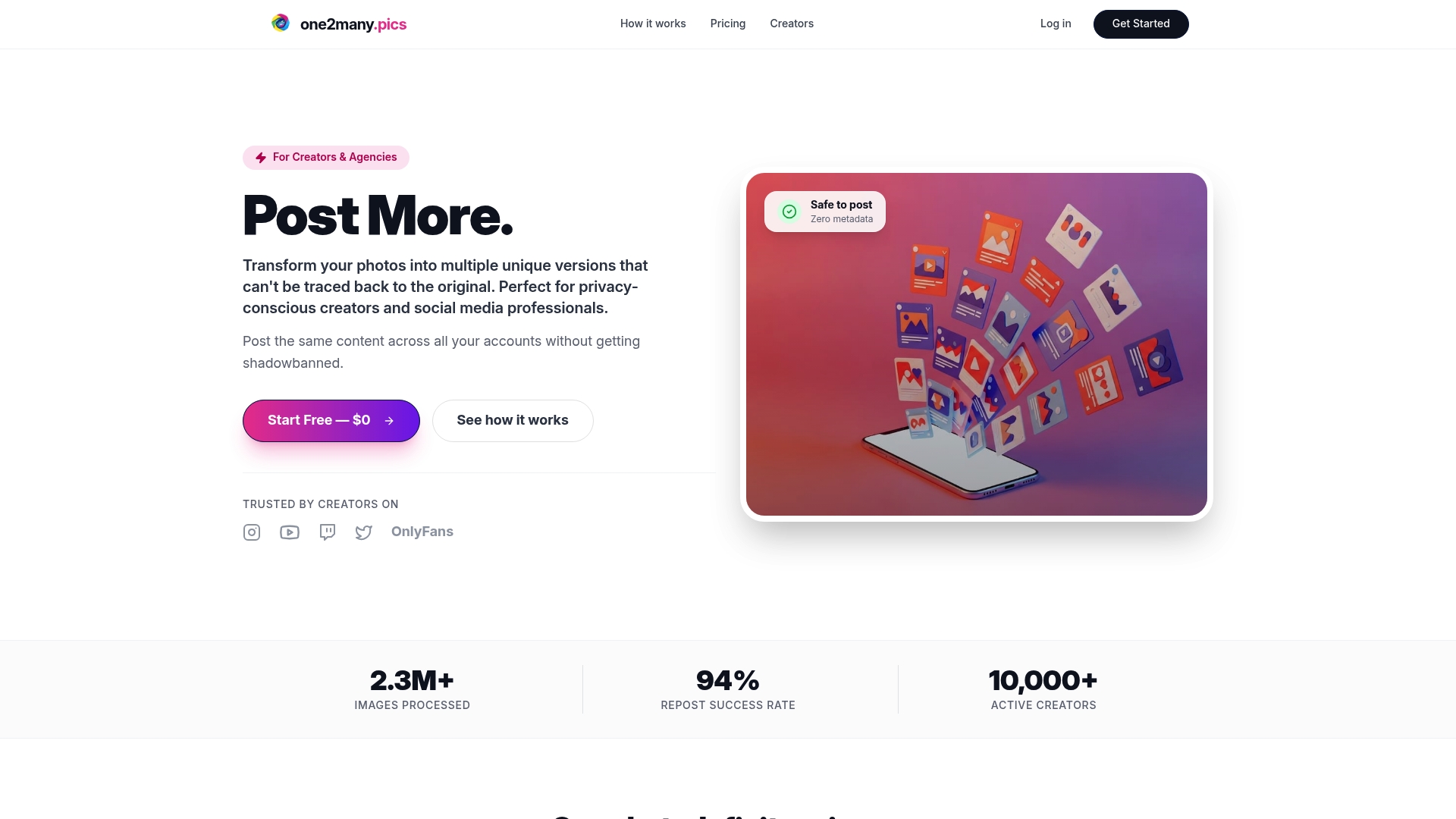
Transforms images into visually identical but digitally unique copies so creators can repost without obvious duplicate traces. The service also strips full EXIF metadata, including location, device, and timestamp, and offers a simple upload, variation, and secure download flow with a free trial.
Core Features
- Image spoofing that generates multiple visually consistent yet unique files per upload.
- EXIF metadata removal removing location, device, and timestamp data from originals.
- Workflow builder aimed at teams and agencies for batch processing and handoffs.
- Multiple variations per upload and Google Drive integration for professional workflows.
Key Differentiator
The standout capability is the image transformation that preserves visual appearance while changing file-level signatures to defeat reverse-image search and reduce the risk of shadowbanning. That mechanism is the technical reason teams can repost the same visuals across separate accounts.
Pros
- Helps creators avoid shadowbans and reverse searches by altering digital fingerprints at file level rather than changing visible content.
- The vendor advertises a 94% repost success rate and an extensive active creator base, which the marketing materials cite as evidence of efficacy.
- Simple three-step flow—upload, choose variation settings, download—keeps onboarding fast for community managers and individual members.
- Affordable tiers and a free trial lower the barrier for solo creators while bulk processing and the workflow builder scale for agencies.
- Google Drive integration lets moderators and content teams keep source assets and processed variants in a shared drive.
Cons
- Not suited for creators who need advanced image editing or design features; the focus is variation and metadata removal only.
Who It's For
Privacy-conscious creators, social media managers, and agencies running multiple accounts who treat images as community assets. Members who prioritize posting consistency without revealing device or location will get the most value.
Unique Value Proposition
Bulk variation plus metadata stripping changes how a content team organizes reposts. By producing many unique copies from one master asset and linking that to shared storage and a workflow, teams avoid manual renaming or separate exports and cut the grunt work of preparing posts for multiple accounts.
Real World Use Case
A social media manager drops influencer photos into a shared Google Drive folder. One2many.pics processes the batch, the workflow builder tags variants per platform, and the team downloads platform-sized files that are visually identical but digitally unique before scheduled posting.
Website: https://one2many.pics
Pixboost
At a Glance
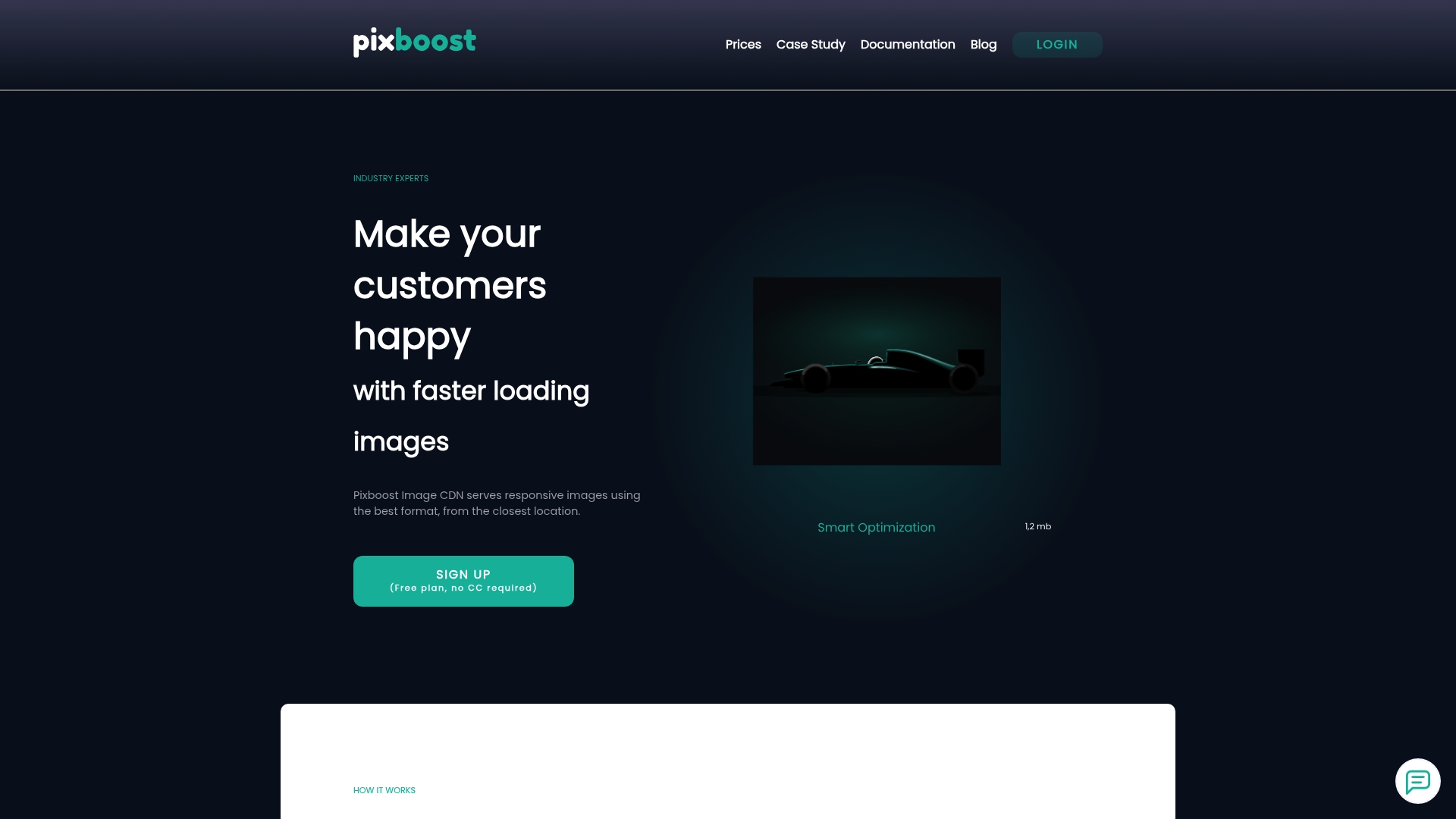
Pixboost's marketing materials state a global network of 144 locations, paired with automatic image transformation to WebP and AVIF formats for lower bandwidth and faster pages. The product targets web teams that want programmatic resizing and format conversion without hosting their own image pipeline.
Core Features
Pixboost focuses on responsive delivery, automated conversion, and developer APIs.
- Responsive image delivery that serves different sizes based on device and screen resolution.
- WebP and AVIF conversion to reduce file size while keeping perceived quality high.
- 144 locations across the vendor's CDN footprint to shorten geographic latency.
- Image resizing, optimization, and transformation APIs plus SDKs and snippet generators for common frameworks.
Key Differentiator
That 144 location claim combined with automatic next generation format conversion is the standout. It positions Pixboost as an image delivery layer that handles both global distribution and on the fly transformations so developers do less build time work and teams ship smaller payloads to users.
Pros
- Quick framework integration. SDKs and a snippet generator speed up adoption with React and plain JavaScript projects.
- Automatic optimization reduces page weight and cuts bandwidth costs when images are served in modern formats.
- Global CDN presence improves load times for geographically distributed visitors, supporting better Core Web Vitals for SEO.
- Developer friendly APIs let you script resizing, cropping, and format rules into build or runtime workflows.
- Works with Shopify and no code tools so content managers can get optimization benefits without heavy developer time.
Cons
- The CDN and API access appear restricted or unavailable in current public docs, which prevents immediate hands on testing.
- Pricing is not published on the product pages and often links externally, which adds negotiation friction for new buyers.
- Public information about throughput limits and client capacity is sparse, so scaling behavior under peak load is unclear.
When It May Not Fit
If your project requires immediate trial access to all CDN endpoints for load testing, Pixboost may not fit right now because of access restrictions. If you need transparent, line item pricing that you can compare instantly, this vendor pushes conversations outside the site.
Who It's For
Web developers and digital content managers building commerce or media sites who want automated image resizing, format conversion, and global delivery without maintaining an image build pipeline. Teams that need predictable self service trials will find the vendor posture frustrating.
Real World Use Case
An online retailer wires Pixboost into its product image workflow. Product pages now request device appropriate images automatically, mobile pages load smaller AVIF files, and the site reports faster first contentful paint and lower bandwidth spend after switching to runtime transformations.
Pricing
Pricing is not listed directly on Pixboost product pages. The vendor appears to surface pricing through external links or sales conversations, so expect to request a quote rather than select a public tier.
Website: https://pixboost.com
IMGCentury
At a Glance
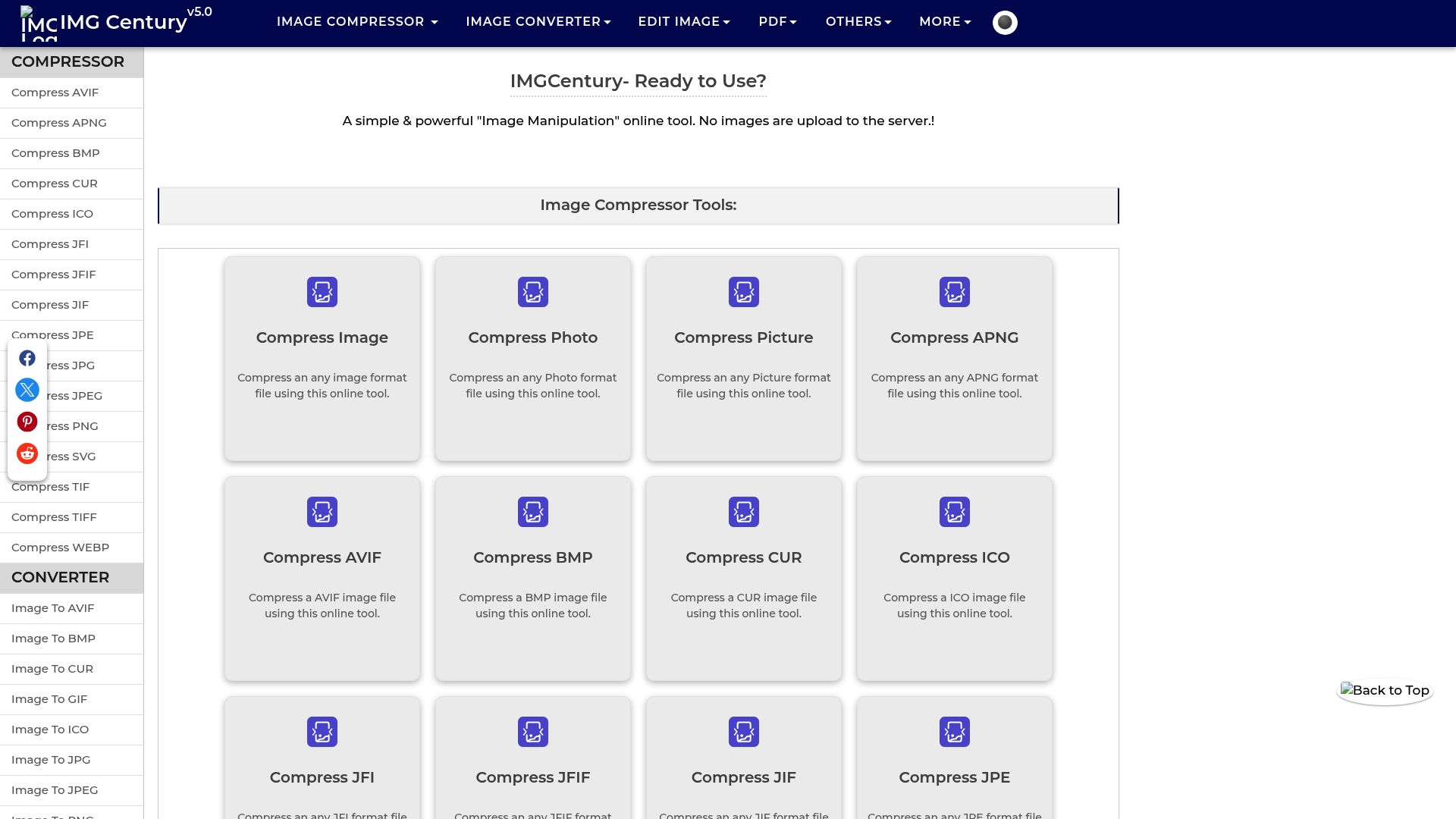
IMGCentury processes images entirely in your browser so no uploads to the server are required — a privacy-first approach that keeps source files local during compression and conversion. The site advertises unlimited compressions, but several main pages currently return HTTP ERROR 521, which limits immediate access for some users.
Core Features
IMGCentury focuses on fast, bulk image handling with a small set of reliable utilities.
- Unlimited compressions and conversions across AVIF, PNG, JPEG, SVG, TIFF, WEBP, and more.
- Bulk processing for dozens of images in a single operation, useful for batch publishing.
- In-browser editing: resize, crop, and basic color adjustments without server uploads.
- PDF utilities plus miscellaneous tools such as barcode generation, GIF creation, and ZIP extraction.
Key Differentiator
The central claim is that processing happens client-side so files never leave your device. That model reduces exposure from server storage and third-party transfers. Compared with One2Many.pics, which focuses on metadata stripping and visual variation for multi-account posting, IMGCentury aims at fast local conversions and compression rather than spoofing or metadata manipulation.
Pros
- Fast local processing. Working in the browser means conversions complete without an upload round trip, which speeds up small batches and protects raw files.
- Broad format support. Handling modern formats like AVIF and WebP alongside legacy types removes the need for multiple tools when preparing assets for web or apps.
- Bulk-friendly interface. The UI surfaces batch controls clearly, so a content calendar day with 40 assets is handled in one session.
- No sign-up friction. You can start compressing and converting immediately without creating an account, which helps tight deadlines.
- Minimal quality loss reported. Users and third-party notes indicate good visual fidelity after compression for typical social media and web use.
Cons
- Accessibility problems. The vendor’s main pages currently show HTTP ERROR 521 on multiple key tools, which prevents immediate use for some workflows.
- Sparse public reviews. There is limited third-party coverage and only one moderate Trustpilot entry, so independent validation is thin.
- Advanced controls are limited. Power users who need granular encoding parameters or automation hooks will find few customization options.
When It May Not Fit
If you require guaranteed uptime or SLA-backed processing for scheduled campaigns, IMGCentury’s current server errors are a real risk. Teams that need API access, batch automation, or metadata spoofing for multi-account posting will find the feature set too basic compared with tools built for those workflows.
Who It's For
Digital creators, web developers, and social media managers who need fast, private in-browser compression and format conversion for day-to-day publishing. Best for people who want quick results without uploading originals and who do not require advanced encoding settings or integration APIs.
Real World Use Case
A social media manager prepares a photo batch for a multi-platform campaign. They drop 50 images into IMGCentury, convert mixed formats to WebP, resize to platform dimensions, and export in one pass. Processing happens locally, preserving original files while delivering publish-ready assets.
Website: https://imgcentury.com
imgproxy
At a Glance
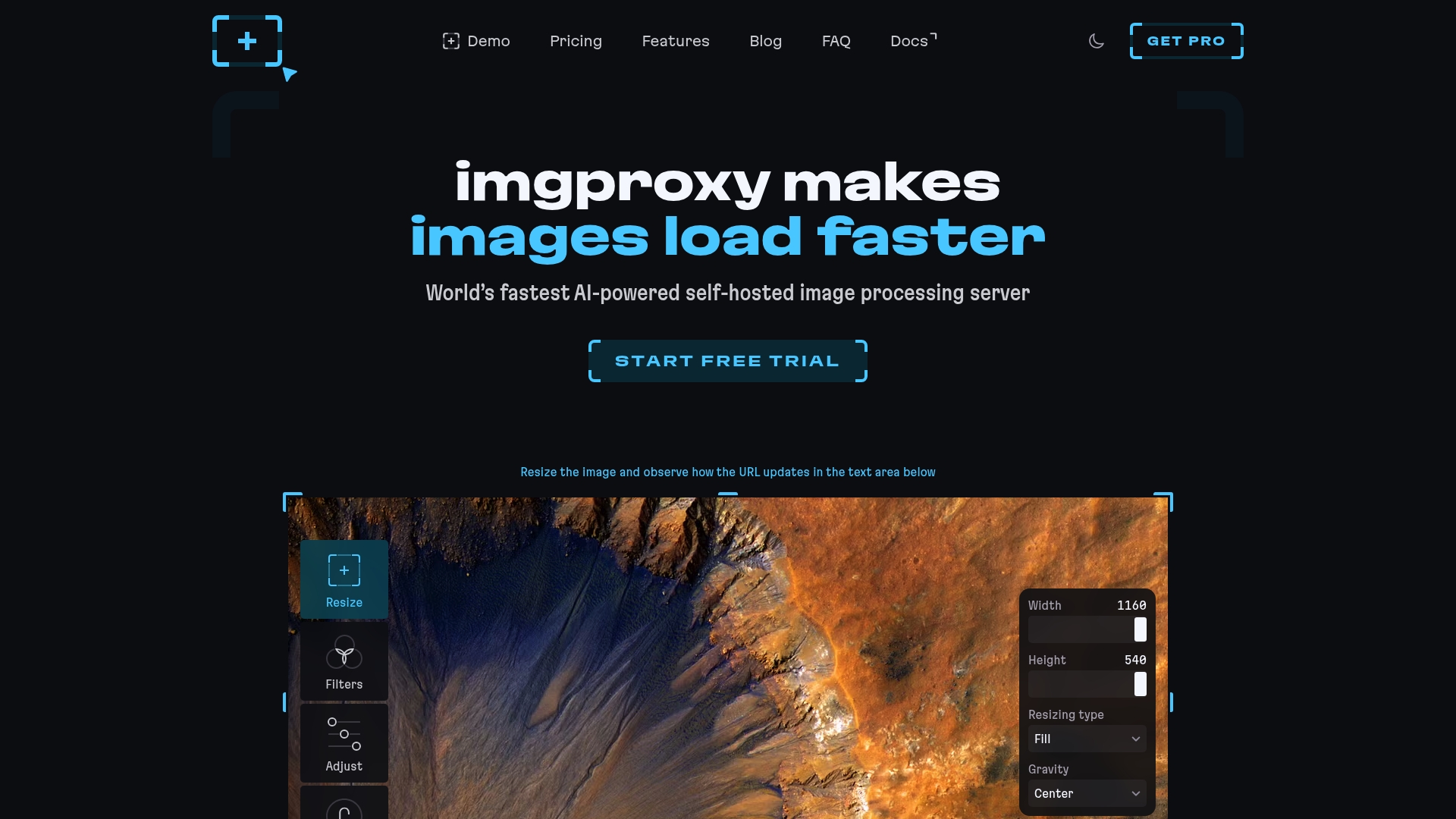
imgproxy processes images in modern formats like AVIF, JPEG XL, HEIC, and animated files on the fly while you run it inside your own infrastructure. That combination of wide format support and self-hosting gives teams tight control over performance and data privacy.
Core Features
The server handles on-the-fly resizing, cropping, rotating, watermarking, filters, and color adjustments during delivery. It performs automatic image optimization with quality tuning and metadata stripping and can serve WebP, AVIF, or JPEG XL depending on the client.
The product also includes smart cropping, object detection for focal-point crops, auto-quality decisions, and security mechanisms like URL signing and IP restriction.
Key Differentiator
imgproxy’s real distinction is being a self-hosted, AI-assisted image processor that runs at delivery time. That design gives engineering teams full ownership of image pipelines and removes third-party upload dependency. It targets technical teams that prefer operational control over handing images to a hosted service.
Pros
- High throughput. The engine is built for fast processing during delivery which reduces the need for pre-rendered variants and cuts storage costs.
- Full data control. Running the server on your infrastructure keeps original assets in-house and simplifies compliance needs for sensitive content.
- Feature rich. Smart cropping, object detection, format negotiation, and metadata stripping let you serve smaller, context-aware images automatically.
- Open source core with a paid Pro option. The vendor offers a commercial tier with extra features and dedicated support for teams that want it.
Cons
- Not plug-and-play for nontechnical teams. Deployment and tuning require DevOps skills and an image cache strategy to hit peak performance.
- Scaling depends on your infrastructure. You will need to design autoscaling, caching, and CDN rules to avoid bottlenecks under heavy load.
- Support experience details are limited in public feedback. The available user snippets do not provide extensive support timelines.
When It May Not Fit
If you need a turnkey, nontechnical service or you have no DevOps capacity, imgproxy will feel like extra overhead. Also, if you prefer a vendor-managed CDN with image processing baked in, self-hosting shifts operational burden back to your team.
Who It's For
Developers, platform engineers, and companies that require customizable, high-performance image handling inside their own environment. Teams focused on privacy, cost control for large image catalogs, or custom processing rules will benefit most.
Real World Use Case
An enterprise e-commerce site uses imgproxy to resize, optimize, and watermark images in real time. That setup reduced stored variants, lowered CDN egress by serving smaller formats, and kept original product images on internal storage.
Pricing
The open-source version is free to run. The Pro version starts at $49 per month or $499 per year and includes a 14-day free trial for evaluation.
Website: https://imgproxy.net
iLoveIMG
At a Glance
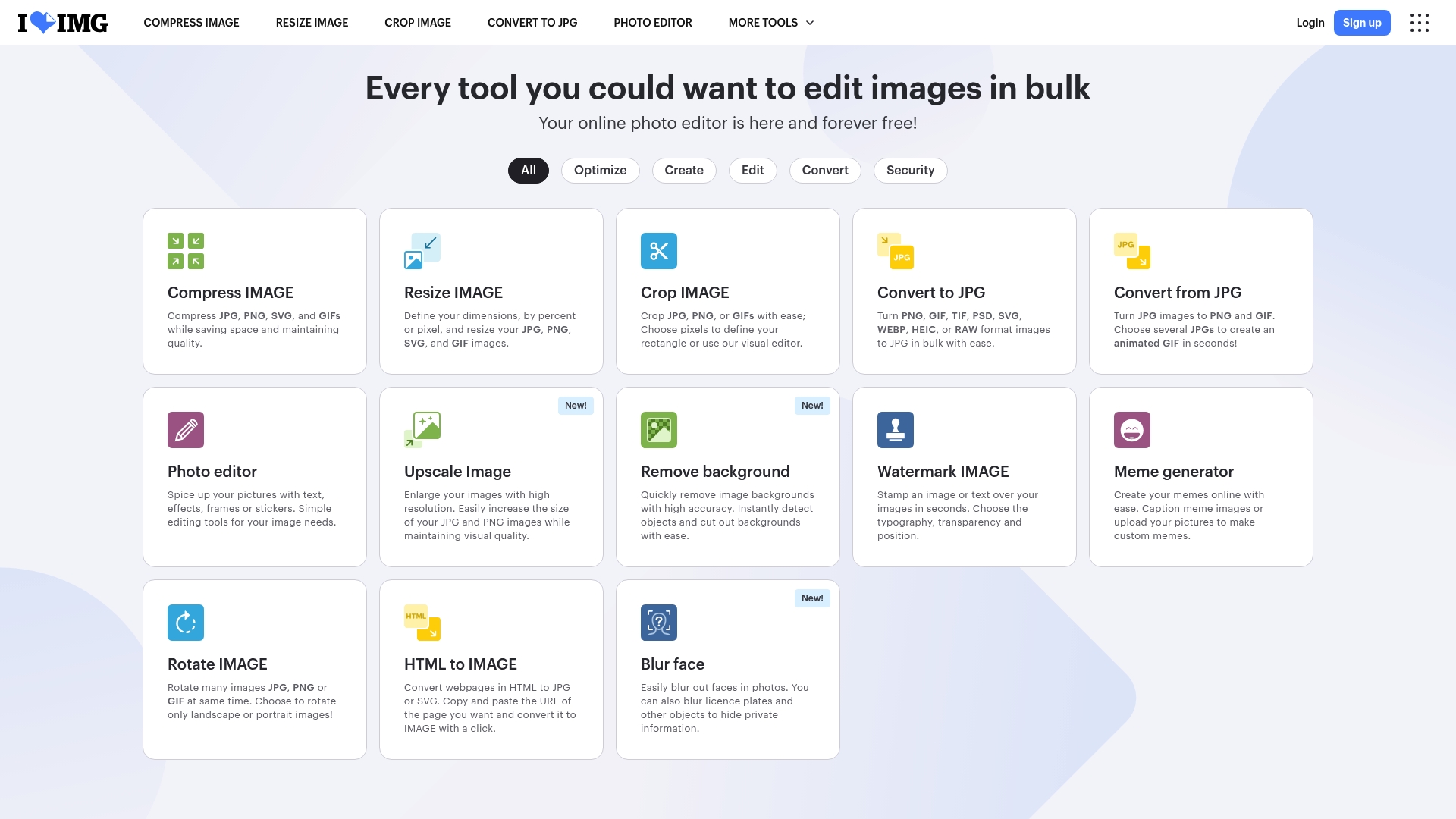
Files are automatically shredded two hours after upload, the vendor states, and the site advertises SSL encryption plus fast processing for bulk jobs. The service also offers a usable free tier and paid plans that add AI tools and team features.
Core Features
Bulk image compression, resizing, cropping, and format conversion available in one web interface. Image editing includes text overlays, effects, frames, and stickers for quick social posts.
AI-powered tools handle background removal and upscaling, while security measures and the two-hour auto deletion protect transient uploads. Cloud connectors let you pull and push images to Google Drive and Dropbox.
Key Differentiator
iLoveIMG's angle is raw throughput: it combines bulk image editing and simple AI actions in a browser-first workflow aimed at high-volume tasks. Unlike One2many, which focuses on metadata removal and privacy-first image variation, iLoveIMG is primarily about rapid format conversion, compression, and straightforward visual edits.
Pros
- Very easy to use platform that supports bulk edits. The interface minimizes clicks for teams prepping large image sets.
- Fast processing for multi-file jobs, which reduces time spent waiting for conversions and exports.
- Built-in AI features for background removal and upscaling that save manual masking work.
- Free tier plus scalable plans make intermittent use inexpensive for solo creators and small teams.
- Cloud sync with Google Drive and Dropbox speeds up handoffs between designers and marketers.
Cons
- Requires an internet connection; the web-only model rules out offline or air-gapped workflows.
- The free plan limits file sizes and daily processing volume, so large catalogs quickly hit paid tiers.
- Advanced features such as unlimited processing and team management sit behind subscription plans.
When It May Not Fit
If you need offline batch processing on a local server or strict on-prem workflows, this web-only tool is the wrong fit. If your team relies on metadata spoofing, privacy-first image variation, or automated anonymization workflows, iLoveIMG does not replace a purpose-built privacy tool.
Notable Integrations
- Google Drive for importing and exporting image batches.
- Dropbox to sync source folders directly from cloud storage.
- Zapier for basic automation between apps and image tasks.
- WordPress for direct uploads to sites and media libraries.
Who It's For
Digital marketers, content creators, and small to medium marketing teams that need quick bulk edits and compression without a steep learning curve. Good for e-commerce managers preparing product image sets for storefronts.
Real World Use Case
A marketing team resizes and compresses hundreds of product images before a seasonal launch. Using bulk resize and compression plus background removal, they cut manual prep time and keep page load speeds low.
Pricing
Free for basic use; the vendor advertises Premium plans starting at $5 per month billed annually. Business and team options scale up from that entry point for higher volumes and collaboration features.
Website: https://iloveimg.com
TinyPNG (tinypng.com)
At a Glance
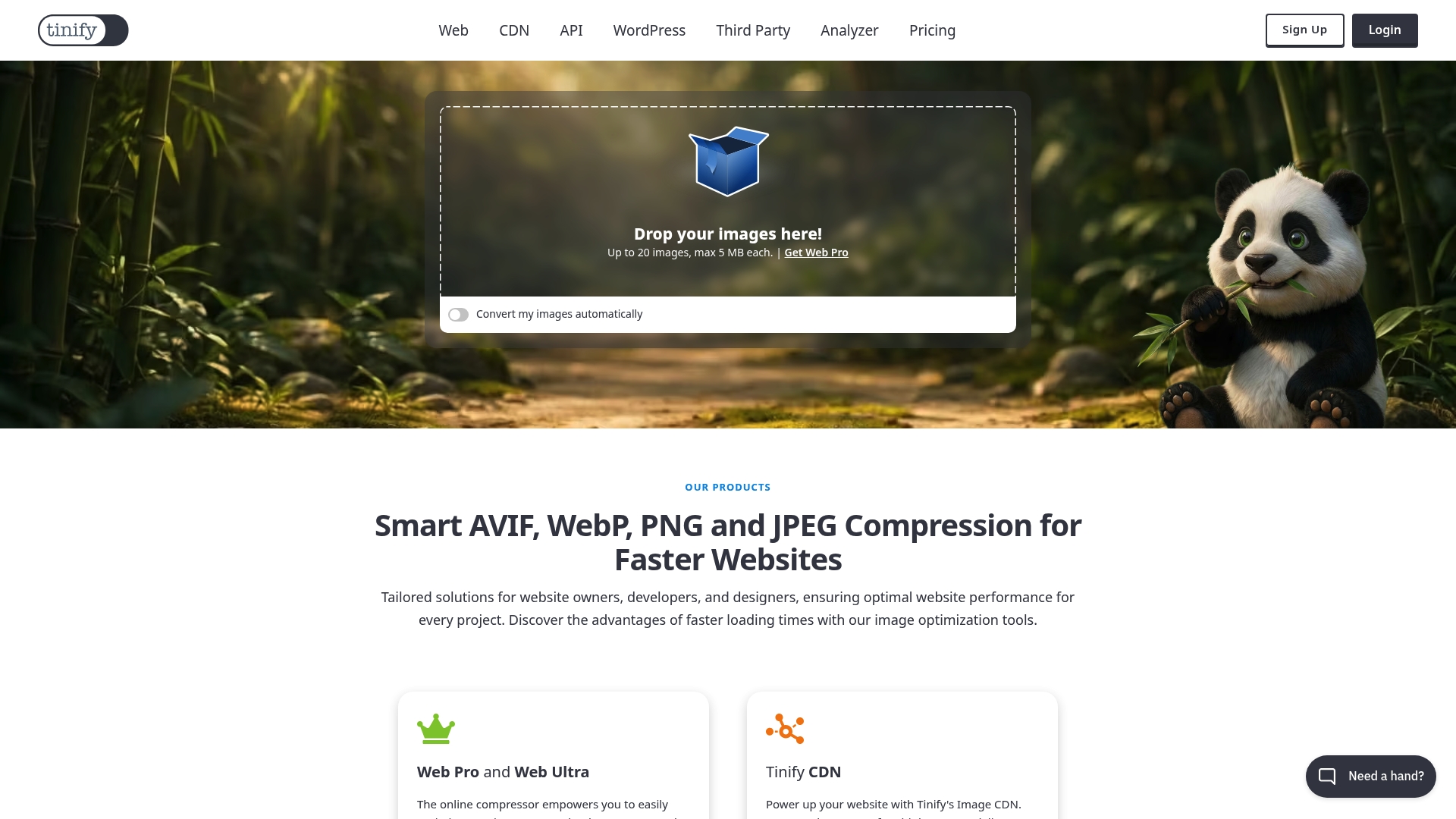
TinyPNG's marketing materials claim it can reduce image file sizes by up to 80% while keeping visible quality intact. The service handles JPEG, PNG, WebP, AVIF, and JPEG XL and is available as a web UI, an API, plugins, and a CDN.
Core Features
Automatic lossy compression, format conversion, batch processing, and an API for automation form the product's backbone.
- Supports JPEG, PNG, WebP, AVIF, and JPEG XL for modern web delivery.
- Batch processing on the web handles up to 20 images at once with smart resizing and cropping.
- API access plus WordPress and command line options let you fold optimization into builds and pipelines.
- Optional CDN delivers optimized images with lower latency and format negotiation for browsers.
Key Differentiator
TinyPNG's edge is its intelligent lossy compression paired with broad format support. That compression claim above is the feature teams cite when they need consistent, high-ratio savings without manual retouching across thousands of assets.
Pros
-
Significant size reduction without obvious artifacts for most web images. That efficiency lowers bandwidth and speeds up pages.
-
Simple web interface makes ad hoc optimization fast for nontechnical team members and designers.
-
Flexible automation via the API lets developers compress images server side or in build pipelines.
-
CDN option reduces delivery time and automatically serves next generation formats when supported by the client.
-
WordPress plugin and CLI tools fit into common publishing flows so you do not have to rebuild processes.
Cons
-
Little control over compression levels. If you need pixel perfect, frame by frame adjustments, the automatic approach is limiting.
-
Costs scale with volume. Subscription and API billing can become expensive for very high throughput operations.
-
Some paid features have no traditional free trial. The free web tier is useful but limited in size and batch quantity.
When It May Not Fit
If your team needs granular, manual control for high fidelity photography or lossless archives, TinyPNG is not ideal. Also avoid it if your workflow demands an on premise solution or contractual SLAs for enterprise throughput and uptime. The product favors throughput and automation over per-image craftsmanship.
Who It's For
Web developers, digital marketers, SEO specialists, and small to mid sized website owners who prioritize page speed and automated pipelines. It suits teams that compress large numbers of web images and want predictable quality without per-image decisions.
Real World Use Case
A media agency uses the API to compress thousands of images weekly. The developers integrated TinyPNG into the publishing pipeline so every upload triggers automated compression and optional conversion to AVIF for supported browsers, reducing load times and cutting CDN egress costs.
Pricing
Free tier for basic compression covers up to 20 images at 5MB each. Paid plans start at $3.25/month for Web Pro with larger file limits and $12.42/month for Web Ultra for bigger image sizes. API billing charges per successful compression with the first 500 compressions free each month.
Website: https://tinypng.com
Comparative Analysis of Image Privacy Tools
Choosing the right tool for image privacy and processing depends on your specific workflow needs. Each product reviewed offers unique strengths tailored to different scenarios.
Privacy Mechanisms and Metadata Management
One2Many.Pics leads in its ability to generate digitally unique yet visually identical images, making it especially suitable for repost scenarios where reverse-image search avoidance is a priority. The inclusion of EXIF metadata removal ensures enhanced privacy. Conversely, IMGCentury opts for in-browser processing to ensure that the original files do not leave the user's device, providing a different but effective privacy approach. When deciding, the value of centralized batch processing against local individual processing becomes a deciding factor.
Scalability and Professional Tools Integration
For larger teams or agencies, One2Many.Pics provides batch processing and workflow builder features, simplifying collaboration and asset management via tools such as Google Drive. Though Pixboost offers APIs tailored for developers needing customized resizing and optimization workflows, its unclear pricing and access limitations might deter those requiring upfront scalability assessment.
Best Fit by Scenario
- Content creators and teams prioritizing secure and diverse repost solutions will find One2Many.Pics ideal for metadata stripping and file fingerprint uniqueness.
- Developers focused on performance metrics and format optimization, especially for web delivery pipelines, may prefer Pixboost for its API-driven approach.
- Creators seeking local processing without third-party storage dependencies will benefit from IMGCentury, thanks to its browser-based model.
Our Pick: One2Many.Pics
One2Many.Pics stands out for its unique combination of visual similarity with digital uniqueness, coupled with workflow integration features beneficial to teams managing large-scale content cycles. However, users requiring advanced image editing capabilities or independent browser-dependent utilities might explore other options like IMGCentury.
Image Privacy Tools Comparison
Identifying the right image privacy tool involves considering features like metadata management, batch capabilities, and format support. Here's a comparison:
| Product | Core Feature | Best for | Pricing | Notable Limitation |
|---|---|---|---|---|
| one2many.pics | Metadata removal and image variation | Privacy-conscious creators | Not disclosed | Focused on metadata, lacks advanced editing |
| Pixboost | Responsive images and CDN delivery | Developers in web performance | Not disclosed | Limited public visibility of scaling features |
| IMGCentury | In-browser batch compression | Local-only processing needs | Not disclosed | Accessibility issues with website stability |
| imgproxy | Self-hosted image processing | Enterprise control and compliance | $49/month Pro or Free for Core | Requires strong DevOps expertise |
| iLoveIMG | Bulk edits and AI tools | Marketing teams with high throughput | From $5/month Premium | Relies on online access |
Each option provides distinct advantages tailored to specific use cases.
Protect Your Content Privacy with One2many
Finding the right squarepic.app alternatives means solving the challenge of posting the same images across multiple social media accounts without risking duplicate detection or shadowbanning. If you want to maintain your content visibility while preserving your privacy, One2many offers a specialized solution that transforms your images into visually identical but digitally unique versions. This means your posts keep the look you want while removing metadata like location and device info to safeguard your digital footprint.

Discover how One2many makes multi-account posting simpler and safer. Visit One2many.pics to start uploading your images, customize variation settings, and securely download your privacy-enhanced visuals. Take control and avoid platform penalties by creating unique content copies engineered for social media success.
Frequently Asked Questions
How does One2many ensure image privacy for creators?
One2many transforms images into visually identical but digitally unique copies to help creators avoid obvious duplicate traces. This feature allows users to repost without risking shadowbans or reverse-image searches, which is crucial in maintaining content privacy. Consider trying One2many for a straightforward solution to protect your images while sharing them across platforms.
What is the difference between One2many and Pixboost?
Pixboost excels in offering responsive image delivery and automatic format conversion for web teams. One2many, on the other hand, focuses on generating multiple unique file variations, which is ideal for creators needing to manage multiple social media accounts without revealing original metadata. If your primary need is batch processing for reposting, One2many may be a better fit.
Can I use imgproxy for local image processing if I have privacy concerns?
imgproxy allows you to process images on your own infrastructure, maintaining full control over data privacy. While One2many is a user-friendly option for straightforward image transformation and metadata removal, imgproxy's self-hosting feature could be beneficial for teams that require more complex customization and control over their image handling.
Which platform is better for a non-technical team needing batch image edits: One2many or iLoveIMG?
iLoveIMG provides an easy-to-use interface for bulk image editing, making it accessible for non-technical teams. In contrast, while One2many offers unique image variations and privacy-focused features, it might require more technical knowledge for optimal use. If your team prioritizes immediate usability over privacy, iLoveIMG could serve you well.
What features make One2many appealing to social media managers?
One2many supports multiple variations per upload and integrates with Google Drive, which simplifies the workflow for social media managers. The three-step process—upload, select variation settings, and download—allows for efficient handling of content across various accounts. For fast and secure posting without revealing metadata, consider implementing One2many in your workflow.