
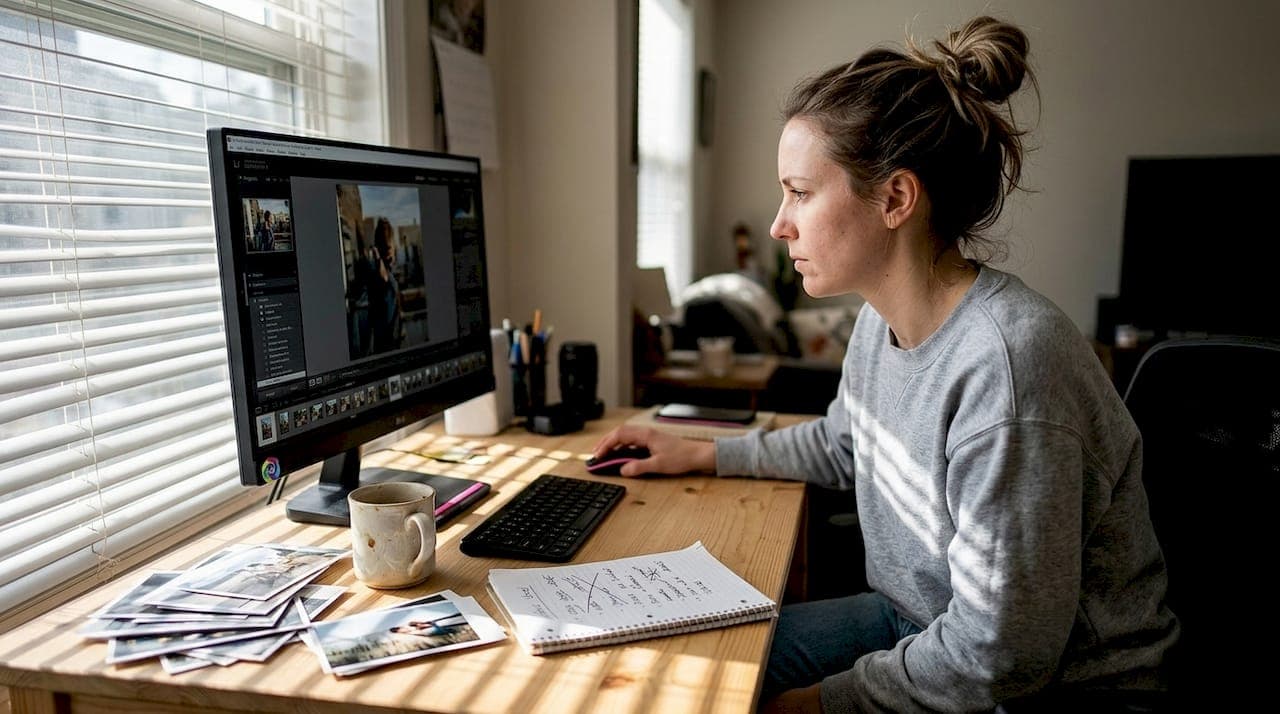
Posting the same image across multiple accounts or platforms feels efficient until your reach tanks, your content gets flagged, or worse, your location data is quietly embedded in every file you share. Many creators assume that adding a filter or cropping a photo is enough to fly under the radar. It's not. Image variations are a deliberate, strategic process that protects your privacy, keeps algorithms happy, and lets you scale content without starting from scratch every time. This guide breaks down exactly how to do it, what methods work best, and how to build a workflow that holds up at volume.
Table of Contents
- What are image variations and why do they matter?
- Types of image variations: Practical methods for creators
- Best practices for producing image variations at scale
- Avoiding content suppression and maximizing reach
- Why most creators underestimate the power of image variations
- Create safe, scalable images with one2many.pics
- Frequently asked questions
Key Takeaways
| Point | Details |
|---|---|
| Image variation is essential | Adopting image variations is vital for privacy, reach, and creative scale in 2026. |
| Not all edits work | Simple tweaks aren’t enough; you need true variation to avoid platform suppression. |
| Workflows matter | Batching, automation, and templates enable creators and agencies to scale image output efficiently. |
| Balance privacy and engagement | Use unique variants to protect identity without sacrificing account visibility or branding. |
What are image variations and why do they matter?
An image variation is any version of an original photo that differs enough in visual content, structure, or metadata to be treated as a distinct file by a platform's detection systems. That's a broader definition than most people expect. It's not just about slapping on a filter. True variations can involve cropping, color grading, aspect ratio changes, background swaps, overlay additions, and critically, metadata edits that strip or alter embedded data like GPS coordinates, device model, and timestamp.
Why does this matter so much right now? Because social platforms are getting better at identifying duplicate or near-duplicate content, and they're not shy about penalizing it. Reduced reach, shadowbanning, and outright content removal are all on the table when you repeatedly upload the same file. For agencies running campaigns across multiple client accounts, or influencers posting to Instagram, TikTok, Pinterest, and Facebook simultaneously, this is a real operational risk.
Here's a quick breakdown of what image variations actually cover:
- Visual changes: Cropping, resizing, color shifts, filters, brightness or contrast adjustments
- Structural changes: Flipping, rotating, adding text overlays or graphic elements
- Background changes: Swapping backdrops to alter composition entirely
- Metadata changes: Removing or replacing EXIF data including location, device info, and creation timestamp
- Format changes: Converting between JPEG, PNG, or WebP to alter file fingerprints
Privacy is the underrated benefit here. When you anonymize images for social media, you make it significantly harder for third parties to reverse-search your content or trace it back to a specific device or location. As that same source notes, image variations protect identity and brand consistency while bypassing duplicate detection.
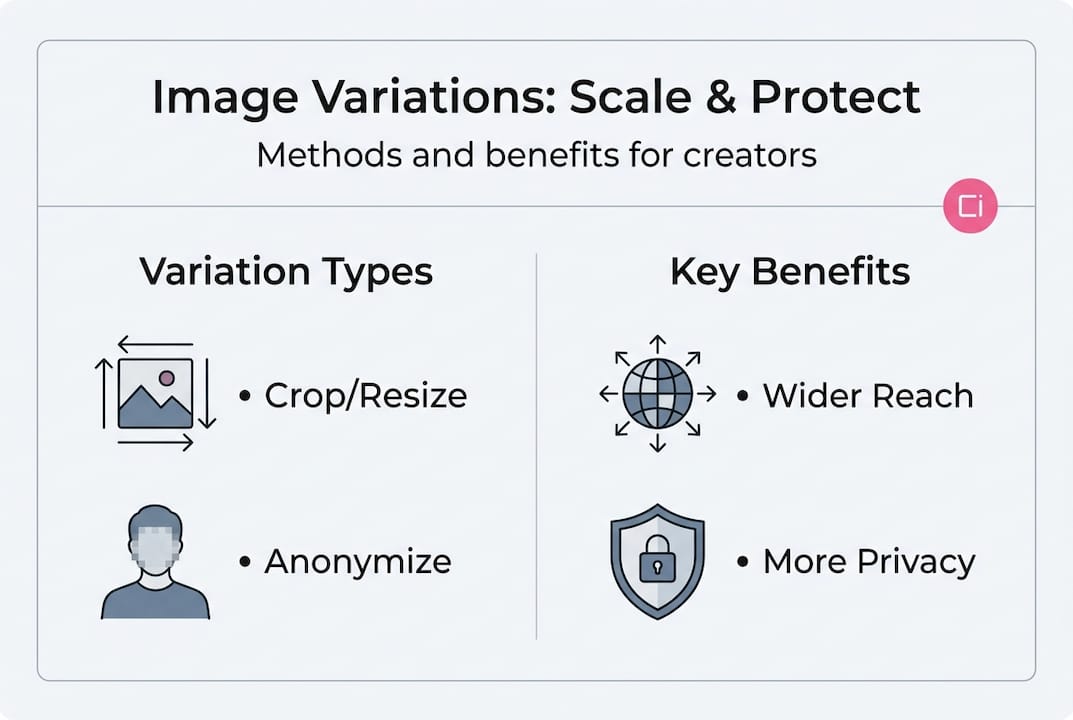
The creative upside is real too. Variations let you tailor the same core asset to different audiences, platform aesthetics, and aspect ratios without a full reshoot. Pairing this with social media engagement with backdrops research shows that visual freshness consistently drives higher interaction rates.
| Variation type | Privacy benefit | Suppression protection | Effort level |
|---|---|---|---|
| Crop/resize | Low | Medium | Very low |
| Color grading | Low | Medium | Low |
| Background swap | Medium | High | Medium |
| Metadata removal | Very high | High | Low (with tools) |
| Overlay/watermark | Low | Medium | Low |
| Format conversion | Medium | High | Very low |
Types of image variations: Practical methods for creators
Now that you get the core value of image variations, what options do you actually have? The answer depends on your goal. Are you trying to protect your privacy, avoid suppression, or just keep your feed looking fresh? Different methods serve different purposes.
Here's how the most common variation methods stack up:
| Method | Best for | Suppression protection | Privacy protection |
|---|---|---|---|
| Cropping | Platform sizing | Medium | None |
| Filters/color grading | Aesthetic freshness | Medium | None |
| Aspect ratio change | Multi-platform posting | Medium | None |
| Background replacement | Full visual refresh | High | Low |
| EXIF/metadata editing | Privacy and security | High | Very high |
| Watermark variation | Brand differentiation | Low | None |
For creators focused on food photography tips or flatlay styling tips, visual variation through background swaps and recomposition tends to produce the most impactful results. But for agencies managing privacy-sensitive campaigns, metadata editing is non-negotiable.
Not all variation methods equally prevent content suppression; some are better for privacy, which is why combining methods is the most effective approach. Here's a simple workflow to follow:
- Start with your master image. Use the highest quality original you have.
- Strip all metadata. Remove EXIF data before doing anything else.
- Apply visual changes. Crop, recolor, or swap backgrounds based on platform needs.
- Add overlays or text. Customize for audience or campaign.
- Export in the correct format and dimensions for each target platform.
- Rename files with a consistent naming convention before uploading.
Pro Tip: Manual variation works fine for one or two images, but once you're managing ten or more assets per campaign, automation tools that can create untraceable social media images in bulk will save you hours and reduce the risk of human error.
Best practices for producing image variations at scale
With methods in hand, systematizing the process is what lets creators and agencies actually scale. Doing this ad hoc leads to inconsistency, missed metadata, and wasted time.
The first thing to get right is your tooling. Batch processing software, whether standalone apps or platform-integrated tools, lets you apply the same variation logic to dozens of images simultaneously. Efficient batch processing is essential for agencies managing multi-platform campaigns, especially when timelines are tight and volume is high.
Here's what a scalable image variation workflow looks like in practice:
- Use templates. Build variation templates for each platform (Instagram square, TikTok vertical, Pinterest tall, etc.) so you're not manually resizing every time.
- Standardize naming conventions. Something like "clientname_platform_variant_date` keeps your library organized and auditable.
- Set dimension guidelines. Keep a reference sheet of current platform specs and update it quarterly since platforms change requirements regularly.
- Automate metadata removal. Make this a non-negotiable step in your export process, not an afterthought.
- Run quality checks. Spot-check a sample of each batch before uploading to catch any errors in cropping, resolution, or file size.
Pro Tip: Templates are your biggest time-saver here. Build a master template for each platform with correct dimensions and safe zones, then drop in your varied visuals. This approach also ensures that secure image workflows stay consistent across team members.
Common pitfalls to avoid when working at volume:
- Forgetting to strip metadata from images shot on personal devices
- Using the same file name across platforms (some systems flag this)
- Skipping quality control on batch exports, leading to blurry or incorrectly cropped posts
- Ignoring platform-specific compression, which can degrade image quality and affect how the algorithm scores your content
- Relying on minor edits alone without structural or metadata changes
Good image previews for conversions research confirms that image quality directly affects how audiences engage, so cutting corners on QC costs you more than it saves.

Avoiding content suppression and maximizing reach
Scaling your process is powerful, but protecting your reach from algorithmic suppression is just as critical. Most creators don't realize how aggressive duplicate detection has become across major platforms.
Platforms like Instagram, TikTok, and Pinterest use perceptual hashing, a technique that generates a digital fingerprint of an image based on its visual structure. Even if you change the file name or apply a minor filter, the hash can remain similar enough to trigger a match. The result is reduced distribution, lower engagement scores, or in some cases, complete suppression of the post.
"Unique variants are less likely to be flagged or hidden, supporting engagement growth." Platforms reward novelty, and their systems are designed to detect and deprioritize recycled content.
Strategies that actually make your variants unique enough to avoid detection:
- Change the background entirely. A full backdrop swap alters the image's hash more dramatically than any filter.
- Alter the composition. Shift the subject position, change the crop ratio, or flip the image horizontally.
- Strip and replace metadata. This doesn't change the visual hash but protects your privacy and removes traceable data.
- Convert file formats. Moving from JPEG to WebP changes the file's binary structure, which some systems treat as a new asset.
- Add unique text or graphic overlays. Even a small change in a corner element can shift the perceptual hash enough to register as distinct.
The balance between privacy, branding, and reach is real. You don't want variations so different that they lose brand coherence, but you need them different enough to avoid image suppression and keep your distribution healthy. Unique variants are less likely to be flagged or hidden, directly supporting engagement growth over time.
Why most creators underestimate the power of image variations
So what do most content teams and creators still get wrong about this process? They treat image variation as a cosmetic task rather than a strategic one. They crop for platform sizing, maybe add a preset, and call it done. That approach leaves serious value on the table and real risk on the table too.
Here's the uncomfortable truth: copying content for scale without true variation is increasingly dangerous in 2026. Platforms are investing heavily in detection technology, and what worked two years ago is now a liability. A single viral image reposted across ten accounts without proper variation can trigger suppression across all of them simultaneously.
What's more, simple but thorough variations consistently outperform expensive paid amplification for organic engagement. When your content looks fresh to both the algorithm and the audience, it earns distribution on its own merits. That's a better return than boosting a post that's already been flagged as duplicate.
Privacy-safe workflows are no longer optional for professional creators. Every image you post carries embedded data unless you deliberately remove it. Regular audits of your image library will reveal how many assets are sitting there with full location and device data intact, which is a vulnerability most teams don't discover until something goes wrong.
Pro Tip: Set a quarterly calendar reminder to audit your image library. Look for repeated files, unstripped metadata, and variation gaps. Agencies using untraceable image solutions as part of their standard workflow catch these issues before they become reach problems.
Create safe, scalable images with one2many.pics
Ready to put these strategies into practice? There's an easier way than building manual workflows from scratch.

Start scaling with one2many.pics gives you a purpose-built platform for exactly this. Upload your original images, configure your variation settings, and download unique, metadata-stripped versions ready for any platform. The process strips EXIF data automatically, generates visual variants, and keeps your digital footprint clean without requiring technical expertise. Whether you're an individual creator managing a few accounts or an agency running high-volume campaigns, the platform fits your workflow and scales with your needs. It's the practical, privacy-first solution that makes everything covered in this guide actually executable.
Frequently asked questions
How do image variations improve privacy on social media?
Image variations alter both visual content and embedded metadata, making it significantly harder for platforms or third parties to trace or reverse-search an image back to the original poster or device.
What's the fastest way to generate multiple image variants for different platforms?
Batch tools combined with pre-built templates let you produce dozens of platform-specific versions in minutes. Automation enables efficient batching for agencies handling high content volumes across multiple clients.
Can using similar images get my posts suppressed by social algorithms?
Yes. Uploading the same or nearly identical images can trigger perceptual hash matching, which leads to reduced reach or outright suppression. Duplicate images are flagged by most major social platforms as a standard part of their content ranking systems.
What's the difference between a basic edit and a true image variation?
A true image variation changes the file's structure, composition, or metadata enough that platforms register it as a distinct asset. Minor edits aren't always sufficient for uniqueness, especially when platforms use perceptual hashing to compare visual fingerprints rather than just file names.
Recommended
- How to anonymize images for safe social media sharing
- one2many.pics - Create Untraceable Social Media Images
- Social media security guide: Safeguard your accounts
- App preview images: boost store conversions & visibility – AppScreenKit
- Mastering Food Photography with Your Smartphone: 8 Expert Tips – Instant Backdrops