

A checklist for secure content sharing is a structured set of controls that keeps your digital files private, compliant, and accessible only to the right people. Content creators and marketers face real risks every time they send a file: unauthorized access, metadata leaks, platform penalties, and compliance failures. The industry standard approach covers five core pillars: content classification, AES-256 encryption, access control, link lifecycle management, and metadata sanitation. Miss any one of them, and the others can't fully compensate.
1. Classify your content before you share anything
Content classification is the foundation of every safe content delivery checklist. Without it, you apply the same controls to a public press release and a confidential client brief, which wastes time on low-risk files and under-protects high-risk ones.
The standard four-level hierarchy works like this:
- Public: No restrictions. Anyone with the link is fine.
- Internal: Team members only. Use access-controlled links, not open URLs.
- Confidential: Clients, partners, or specific recipients. Require authentication and disable forwarding.
- Restricted: Legal, financial, or proprietary content. Apply full encryption, MFA, and expiration controls.
Classification hierarchies dictate which security layers each file actually needs. That means you stop over-engineering routine shares and focus your strongest controls where the risk is real.
Pro Tip: Label files at the point of creation, not at the point of sharing. A quick "CONFIDENTIAL" tag in the filename or document header prevents the wrong sharing method from being applied later.

Creators who skip classification tend to default to "anyone with the link" for everything. That approach works for public content only. For anything above that tier, it creates an uncontrolled access point that grows riskier over time.
2. Use end-to-end encryption as your baseline for sensitive files
Encryption is the most cited content protection method, but not all encryption is equal. Three types matter for file sharing: encryption in transit, encryption at rest, and end-to-end encryption (E2EE).
- In transit: Protects files while they travel between servers. Standard HTTPS provides this.
- At rest: Protects files stored on a server. AES-256 is the benchmark standard.
- End-to-end: Encrypts files on the sender's device. The server and the provider cannot decrypt the content.
End-to-end encryption is the only method that protects your content even if the platform itself is breached. HIPAA, GDPR, and CMMC compliance frameworks all align with or strongly prefer E2EE for sensitive data transfers. If your content touches any regulated category, E2EE is not optional.
E2EE aligns with HIPAA and other compliance frameworks that require strict data confidentiality. That makes it the right default for any creator handling client data, branded assets, or unreleased content.
Most sharing failures happen before encryption even enters the picture. User errors like wrong drafts or improper permissions cause more leaks than platform breaches. Encryption is necessary, but it is not sufficient on its own.
3. Control who gets access and what they can do with it
Access control is where most creators lose ground. Sending a file is easy. Controlling what the recipient can do with it is harder, and most default settings favor convenience over security.
The right approach follows these steps:
- Use identity-bound links instead of generic shareable URLs. Identity-bound links tie access to a verified email or login, so you know exactly who opened the file.
- Set view-only permissions by default. Disable download and forwarding unless the recipient explicitly needs those capabilities.
- Require multifactor authentication (MFA) for any account that accesses confidential or restricted content.
- Audit sharing permissions quarterly to find stale or excessive access. Routine reviews regularly uncover permissions that should have been revoked months earlier.
Dynamic watermarking adds another layer by attributing any leak back to the specific viewer. Watermarks make recipients more careful with sensitive documents because accountability is visible.
Pro Tip: When you must share a password-protected file, never send the password in the same message as the link. Use SMS, a phone call, or a separate encrypted messaging app. Out-of-band password delivery neutralizes the risk of a single compromised channel exposing both the file and its key.
Encryption is useless without limiting access to intended parties only. File version control matters here too. Sharing an outdated draft with the wrong permissions is a security failure even if the file itself is encrypted.
4. Set expiration dates on every shared link
Links left active indefinitely create uncontrolled attack surfaces. Every open link is an access point that can be forwarded, indexed, or discovered long after the project ends.
The recommended windows for link expiration are:
- 24–72 hours for standard project deliverables and one-time reviews
- 7–30 days for longer collaborations or ongoing client access
- Immediate revocation once a project closes or a recipient relationship ends
Links left active indefinitely create uncontrolled attack surfaces with higher risk of unauthorized access. The accumulation of expired but still-active links is one of the most overlooked vulnerabilities in content workflows.
Notify recipients before access expires. A simple message 24 hours in advance prevents the frustration of a broken link and removes any excuse for recipients to request indefinite access. After a project wraps, revoke all links manually rather than waiting for automatic expiration. Manual revocation closes the window immediately.
For media projects where anyone-with-link sharing creates real risk, expiration controls are especially critical. A link that works forever is a liability that grows with time.
5. Sanitize metadata before every file goes out
Metadata is the hidden layer of every file you share. Images carry GPS coordinates, device identifiers, and timestamps. PDFs carry author names, revision histories, and tracked changes. Documents carry comments, version notes, and software fingerprints.
Common metadata types that create risk:
- EXIF data in images: GPS location, camera model, date and time of capture
- Document properties: Author name, company name, revision history, total editing time
- PDF metadata: Creator software, creation date, embedded fonts, and hidden comments
- Revision history: Previous drafts, deleted text, and tracked changes visible to recipients
Hidden metadata like GPS tags or document revision history often escapes scrutiny, creating indirect data leaks. A creator sharing a location-tagged photo can inadvertently reveal a home address or a private studio location.
Sanitization tools for different file types include built-in options in Adobe Acrobat for PDFs, the Document Inspector in Microsoft Word, and dedicated metadata removal tools for image files. One2many's platform removes metadata from images automatically, including location data, device info, and timestamps, before files are processed for sharing. That removes the manual step most creators forget.
Removing hidden data matters as much as encrypting the file itself. An encrypted file with intact metadata still leaks information about the sender, the device, and the location. Classifying media files by sensitivity helps determine how thorough your sanitization process needs to be for each asset type.
6. Standardize your sharing workflow across every project
A checklist only works if it runs every time, not just when a project feels high-stakes. Standardizing your file sharing security guidelines into a repeatable workflow removes the decision fatigue that causes skipped steps.
The practical way to do this is to build a pre-share checklist into your project management tool or content calendar. Before any file goes out, the checklist confirms: classification assigned, encryption method confirmed, access permissions set, expiration date applied, and metadata removed. Five checks, every time.
Over-engineering security for low-risk content creates friction without adding protection. Reserve your strongest controls for confidential and restricted content. Public and internal files need lighter handling, and applying heavy controls to them slows down your workflow without meaningful security gain.
A secure content posting workflow built around these five checks takes less than two minutes per file. That is a reasonable cost for the protection it provides.
7. Manage what happens after delivery
Security prioritizes what happens to files after delivery, including how recipients handle, forward, and delete shared content. Most creators treat delivery as the finish line. It is not.
Post-delivery behavior is where leaks most commonly originate. A recipient who saves a confidential file to an unsecured personal device, forwards it to a colleague, or never deletes it after the project ends creates ongoing exposure that no encryption can fix.
The fix is bilateral responsibility. Instruct recipients clearly at the point of sharing: do not forward, delete after review, and confirm deletion when asked. Clear recipient instructions yield the best protection against leaks without reducing usability. A short note in the sharing message takes ten seconds and closes a significant gap.
For creators managing privacy in digital workflows, post-delivery access management is the step most often skipped and the one most likely to cause a real problem.
Key Takeaways
A complete checklist for secure content sharing requires classification, encryption, access control, link expiration, and metadata sanitation working together, not in isolation.
| Point | Details |
|---|---|
| Classify before sharing | Assign a sensitivity level to every file before choosing a sharing method. |
| Use end-to-end encryption | AES-256 and E2EE protect content even if the platform is breached. |
| Control access precisely | Use identity-bound links, view-only permissions, and MFA for sensitive files. |
| Set link expiration dates | Apply 24–72 hour windows for standard shares; revoke access manually after projects close. |
| Sanitize all metadata | Remove GPS tags, revision history, and author data before any file leaves your device. |
What I've learned about security checklists that most guides won't tell you
The biggest mistake creators make is treating security as a one-time action at the point of sending. They encrypt the file, send the link, and consider the job done. The real exposure starts after delivery.
Many creators focus on encryption in transit but neglect post-delivery behavior, which is often the bigger risk. A recipient who screenshots a confidential brief, saves it to a personal cloud account, or forwards it to a third party has bypassed every technical control you put in place. No encryption stops that. Clear instructions and accountability tools like dynamic watermarking do.
The second mistake is applying the same heavy controls to every file. Over-engineering security for routine content creates friction that makes people work around the system entirely. When a checklist feels like a burden, people skip steps. The answer is calibration: light controls for public and internal content, full controls for confidential and restricted assets.
What actually works is a standardized workflow that runs automatically, paired with clear recipient instructions and post-delivery access reviews. That combination covers the technical and human sides of the problem. Most security failures are human failures. Build your checklist around that reality.
— one2many.pics
How One2many supports your secure sharing checklist
Content creators who want a checklist that runs without manual effort need tools built for the job.
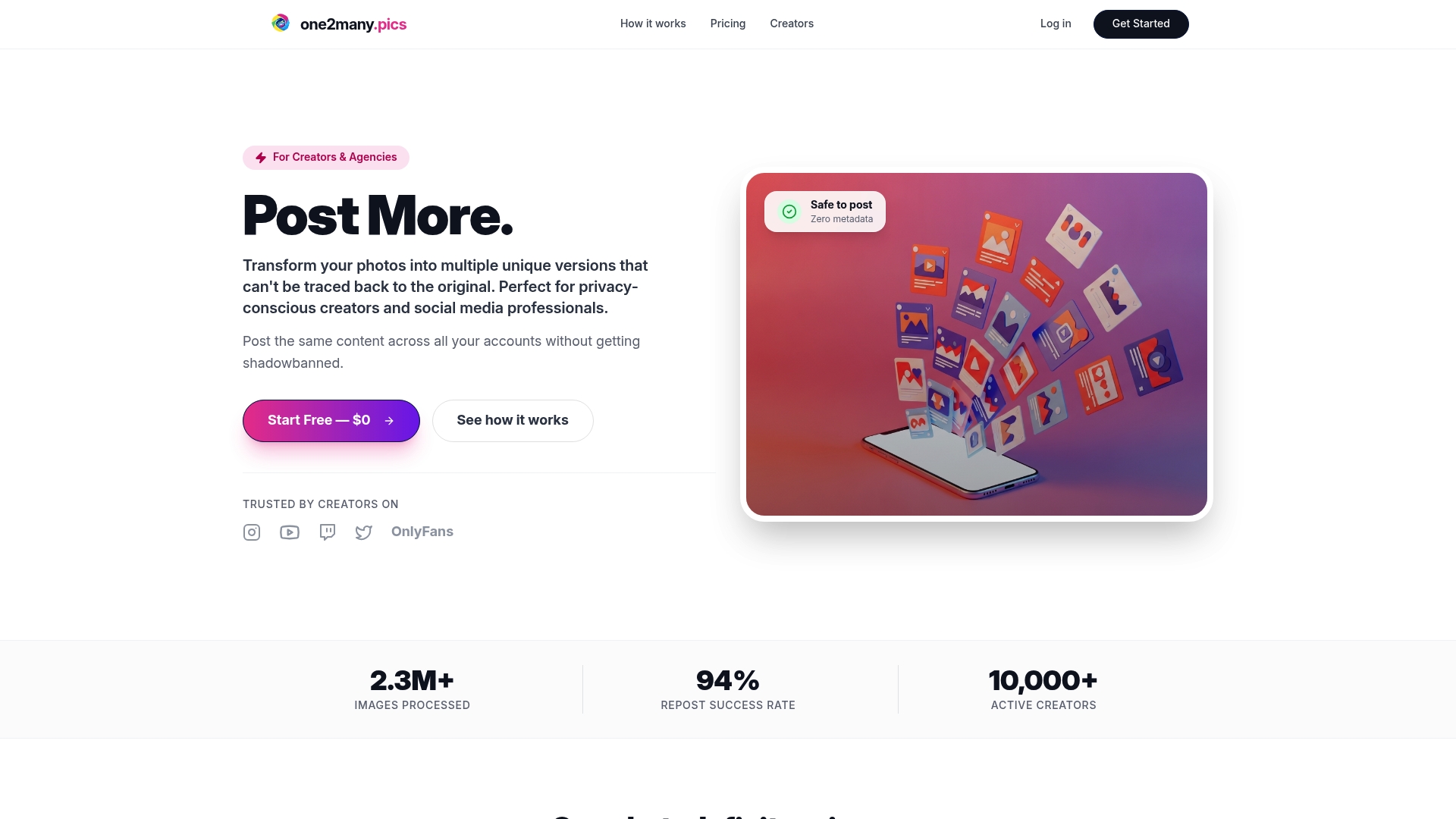
One2many's platform handles the steps most creators skip. It removes metadata automatically from images, including GPS coordinates, device identifiers, and timestamps, before files are processed. It generates unique visual variations of the same image, which prevents duplicate detection and protects your digital footprint across platforms. For creators managing secure content sharing across multiple accounts, One2many's workflow integrations and bulk processing options make the checklist repeatable at scale. Visit one2many.pics to see how the platform fits your sharing workflow.
FAQ
What is a checklist for secure content sharing?
A checklist for secure content sharing is a structured list of security steps applied before, during, and after sending digital files. It typically covers content classification, encryption, access control, link expiration, and metadata removal.
What encryption standard should I use for file sharing?
AES-256 encryption is the benchmark for files at rest, and end-to-end encryption is the gold standard for files in transit. HIPAA and GDPR compliance frameworks both align with E2EE for sensitive content.
How long should shared links stay active?
Links for standard project reviews should expire within 24–72 hours. Longer collaborations can use 7–30 day windows. Revoke all links manually when a project closes rather than relying on automatic expiration alone.
Why does metadata removal matter for content security?
Metadata in images and documents can reveal GPS location, device identifiers, author names, and revision history. Removing this data before sharing prevents indirect leaks that encryption alone cannot stop.
What happens if I skip the post-delivery step?
Files saved to unsecured devices, forwarded without permission, or never deleted by recipients create ongoing exposure after delivery. Clear recipient instructions and access revocation after project close are the most effective controls for this risk.