

Marketing automation is the practice of using software to execute marketing tasks based on predefined triggers and data, without manual input for each action. It spans email sequences, lead scoring, CRM synchronization, behavioral tracking, ad retargeting, and full workflow orchestration. Done right, automation lets you scale campaigns with the same precision you'd apply to a single hand-crafted message. This marketing automation checklist gives you a phased, practical framework to implement automation that actually moves pipeline, not just one that looks good in a demo.
1. What does a marketing automation checklist cover?
A marketing automation checklist covers six distinct phases: data foundation, lifecycle mapping, core workflow setup, channel integrations, reporting dashboards, and ongoing operational cadence. Each phase builds on the last. Skipping the data foundation phase, for example, guarantees broken workflows downstream. Think of the checklist as a project plan, not a feature wishlist.
The phases span roughly 10 weeks for initial coverage. Full implementation can produce operational value within 30 days and complete coverage in about 90 days when teams follow this structure. That timeline assumes clean data going in, which is rarely the case without deliberate preparation.

2. Phase 1: Build your data foundation (weeks 1–3)
Clean data is the prerequisite for every automation that follows. Start by auditing your CRM for duplicate records, missing fields, and stale contacts. Deduplication and sync status are the top data hygiene priorities before you build a single workflow, because automation effectiveness depends entirely on data quality.
Define your customer lifecycle stages during this phase. Map the journey from first touch to closed customer, and label each stage clearly in your CRM. Without these definitions, lead scoring and nurture sequences have no logical structure to follow.
Pro Tip: Run a deduplication report before connecting any automation platform. Duplicate contacts corrupt scoring models and inflate email lists, which drives up platform costs immediately.
3. Phase 2: Map your customer lifecycle and scoring model
Lifecycle mapping translates your customer journey into automation logic. Assign behavioral signals to lifecycle stages: a contact who visits your pricing page twice in one week scores differently than one who opened a single newsletter. Build your lead scoring model around actions that correlate with actual purchase intent, not just email opens.
Score decay matters here. Contacts who go cold should lose points over time so your sales team is not chasing stale leads. Set a threshold score that triggers a sales alert or a direct outreach sequence. Document every rule so future team members can maintain the model without reverse-engineering it.
4. Phase 3: Set up core workflows first (weeks 3–6)
Most businesses derive 80% of their marketing automation value from seven core workflows: welcome sequences, abandoned cart recovery, post-purchase follow-up, lead nurturing, re-engagement, birthday triggers, and behavioral triggers. That concentration of value means you should build these before anything else.
Start with exactly one workflow. Teams that try to launch five workflows simultaneously almost always underutilize the platform and produce mediocre results across the board. Pick the workflow with the clearest ROI for your business type:
- Ecommerce teams: Start with abandoned cart recovery. It targets contacts with demonstrated purchase intent.
- B2B teams: Start with lead nurturing. It keeps prospects engaged between sales touchpoints.
- Content creators and influencers: Start with the welcome sequence. It sets expectations and drives early engagement.
Each workflow needs a clear email cadence, logical message sequencing, and one specific call to action per email. Avoid the temptation to pack multiple offers into a single message.
Pro Tip: Write your workflow emails before you build the automation logic. Seeing the full message sequence on paper reveals gaps in the story you are telling the contact.
5. Phase 4: Connect your channel integrations (weeks 6–8)
Integrations turn your automation platform into a central nervous system for your marketing stack. Connect your web forms, webinar platforms, paid media accounts, and product event data during this phase. Each integration creates a new trigger source and a new data stream that enriches contact records automatically.
Paid media integrations deserve special attention. Syncing ad audiences with your CRM lets you suppress existing customers from acquisition campaigns and retarget leads who stalled in your nurture sequence. That alone reduces wasted ad spend. For creators and agencies managing multiple social accounts, posting automation tools can feed campaign performance signals back into your automation workflows.
6. Phase 5: Build reporting dashboards (weeks 8–10)
Dashboards connect automation activity to business outcomes. Build three layers of reporting: workflow health, pipeline impact, and revenue attribution.
Workflow health metrics include open rates, click rates, unsubscribe rates, deliverability scores, and list growth rate. These tell you whether your messages are reaching contacts and resonating with them.
Pipeline impact metrics track MQL volume, SQL conversion rate, and opportunity influence. These connect automation activity to sales outcomes and justify the platform investment to leadership.
Revenue dashboards tie closed-won revenue, customer acquisition cost, and payback periods to specific automation programs. This is the layer that earns budget renewals. Without it, automation looks like a cost center rather than a revenue driver.
Pro Tip: Build your reporting dashboard before you launch workflows. Knowing what you will measure forces you to instrument your workflows correctly from the start.
7. How to evaluate a marketing automation platform
Platform evaluation is where most teams make expensive mistakes. Enterprises spend $2.1 million annually on automation platform sprawl from decentralized tool adoption. A weighted scorecard approach prevents that waste by forcing structured comparison across the dimensions that matter at scale.
The critical evaluation dimensions are:
| Dimension | What to assess |
|---|---|
| Complexity ceiling | Can the platform handle your most complex workflow, not just your simplest? |
| Integration depth | Are connectors current, maintained, and documented? |
| Volume pricing | What does the platform cost at twice your projected 12-month volume? |
| Error handling | Does the platform surface failures visibly, or do broken workflows run silently? |
| Governance | Does it support permissions, version control, and audit logs? |
| AI capabilities | Can it personalize send times, subject lines, or scoring automatically? |
| Security compliance | Does it meet SOC 2, GDPR, or your industry's specific requirements? |
The complexity ceiling concept, highlighted by LowCode Agency, is the most underrated evaluation criterion. A platform that handles your current workflows perfectly may collapse under the weight of your workflows 18 months from now.
Test with real data, not sample templates. Platforms look nearly identical in demos. Operational problems only appear when you run actual contact volumes and edge cases through the system. This is the demo-trap, and it catches teams who skip live data testing.
On pricing, model costs at twice your expected 12-month volume. Request renewal uplift history and overage rates in writing before signing. Hidden overage costs are the most common source of budget shock in year two of a platform contract.
Pro Tip: Ask every vendor for three customer references who use the platform at your projected volume. Generic references from enterprise clients mean nothing if you are a mid-market team.
For teams in media and publishing, evaluating podcast marketing platforms alongside your core automation stack helps identify integration gaps before you commit to a primary platform.
8. Common pitfalls and how to prevent them
The biggest misconception in marketing automation is that the software fixes broken processes. Marketing consultant Deepanshu Udhwani states it directly: automation accelerates chaos in unclean systems. Map and clean your manual processes before you automate them, or you will automate your mistakes at scale.
The most common operational failures are:
- Silent workflow failures: Broken automations that continue running without triggering errors or alerts.
- CRM sync failures: Contacts that stop updating between your CRM and automation platform, creating data drift.
- Over-complicated workflow design: Branching logic so complex that no one on the team can maintain or debug it.
- Neglected scoring models: Lead scores that never get recalibrated as buyer behavior changes.
"Most B2B SaaS companies are running dozens of silently broken or underperforming automations, with hundreds of uninvestigated CRM sync failures sitting unaddressed. The teams that avoid this schedule mandatory weekly operating cadence to catch and fix problems before they compound."
Weekly reviews should check workflow error logs, delivery rates, and CRM sync status. Monthly reviews should assess scoring model performance and list health. Quarterly audits should revisit lifecycle stage definitions, scoring weights, and the overall workflow architecture. Treat your automation system as a live product, not a completed project.
9. Integrations and dashboards that connect automation to revenue
The integrations that matter most are the ones that close the loop between marketing activity and revenue. Connect your CRM bidirectionally so that sales activity updates contact records in real time. Connect your product analytics so that in-app behavior triggers the right nurture sequences. Connect your ad platforms so that audience lists update automatically based on lifecycle stage.
For social media and content teams, social media automation integrations feed engagement data back into contact records, giving you behavioral signals beyond email. That data improves segmentation and makes your nurture sequences more relevant.
Revenue attribution reporting is the final piece. It answers the question every executive asks: "What did marketing automation actually contribute to closed revenue?" Without a clear answer, automation budgets are always at risk. Build attribution models that credit automation touchpoints across the full customer journey, not just the last click before conversion.
Pro Tip: Use UTM parameters consistently across every automated email and ad. Without them, your revenue attribution model will have gaps that make the data unreliable for executive reporting.
Key takeaways
A marketing automation checklist works only when data hygiene, phased implementation, and ongoing operational cadence are treated as non-negotiable foundations, not optional extras.
| Point | Details |
|---|---|
| Start with data hygiene | Deduplicate your CRM and map lifecycle stages before building any workflow. |
| Build core workflows first | Seven workflows deliver 80% of automation value; start with one and do it well. |
| Evaluate platforms with real data | Test with actual contact volumes to avoid the demo-trap and hidden cost surprises. |
| Monitor weekly, audit quarterly | Silent failures and CRM sync errors compound fast without a regular review cadence. |
| Connect automation to revenue | Build pipeline and revenue dashboards from day one to justify and grow your budget. |
What I have learned from watching automation programs succeed and fail
The teams that get the most from marketing automation share one habit: they resist the urge to build everything at once. The instinct to automate every touchpoint immediately is understandable, but it produces fragile systems that nobody fully understands or maintains. The programs that deliver sustained ROI start with one workflow, prove it works, and then expand deliberately.
Data hygiene is the part everyone skips and everyone regrets. I have seen teams spend months building sophisticated lead scoring models on top of CRM data that had a 40% duplicate rate. The scores were meaningless. The sales team stopped trusting them within weeks. Cleaning data is unglamorous work, but it is the only foundation that holds.
Platform selection deserves more time than most teams give it. The demo always looks good. The real test is what happens when you run your messiest data through the system at three times your current volume. Teams that skip that test end up locked into contracts with platforms that cannot handle their actual needs.
Operational cadence is the discipline that separates programs that grow from programs that decay. Automation is not a set-and-forget investment. It requires weekly attention, monthly calibration, and quarterly rethinking. The teams that build that cadence into their operating rhythm see compounding returns. The teams that treat launch day as the finish line watch their programs quietly fall apart.
— one2many.pics
How One2many supports your automation implementation
Building a marketing automation program from scratch takes more than a checklist. It takes the right tools for managing content at scale, protecting your digital footprint, and keeping your workflows running cleanly across multiple platforms and accounts.
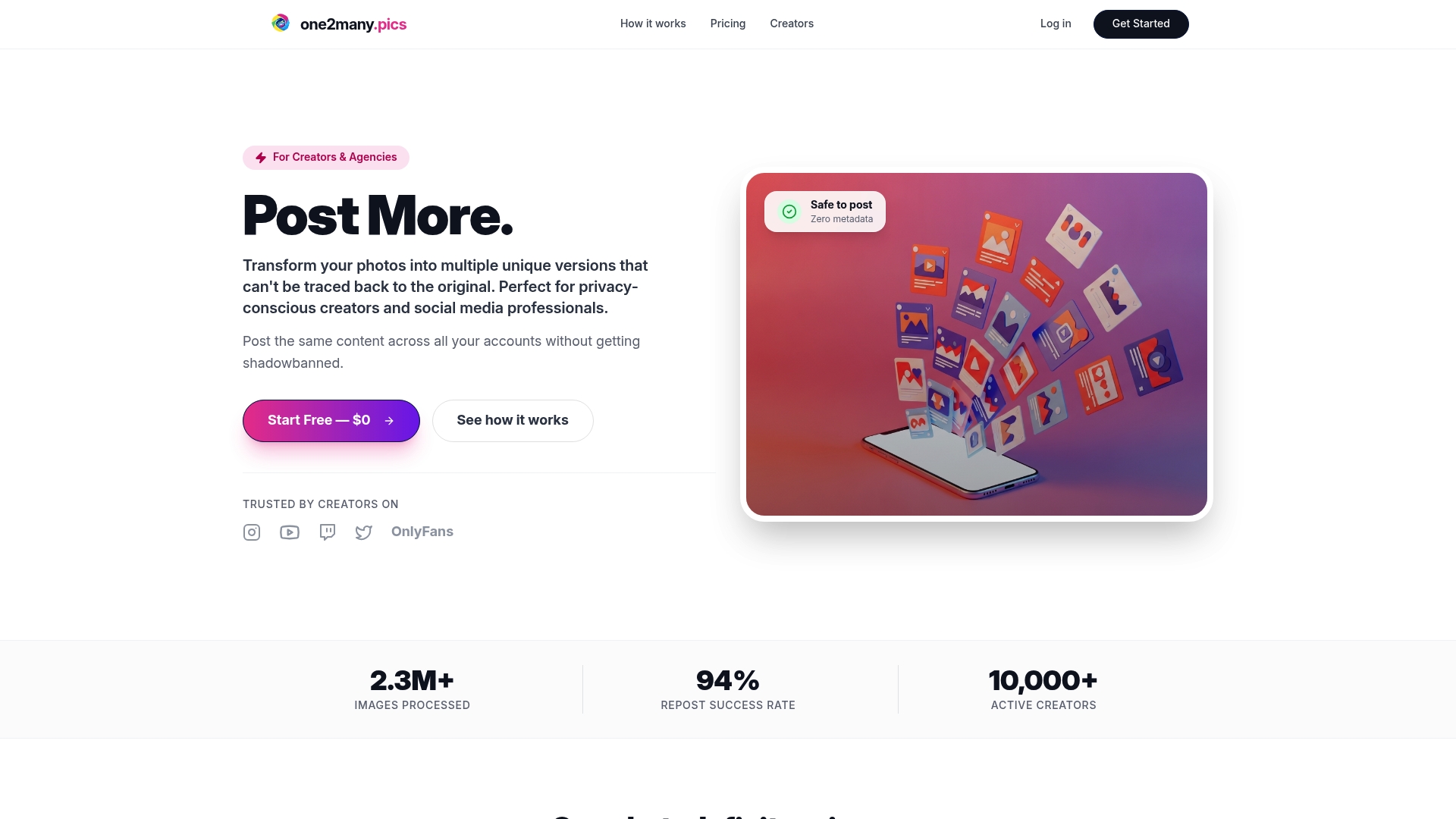
One2many gives content creators, social media managers, and marketing teams the infrastructure to scale visual content without triggering duplicate detection or losing privacy across accounts. Whether you are running automated posting workflows or managing bulk content for multiple clients, One2many's privacy-focused platform handles the content variation and metadata management that keeps your automation running safely. Explore how One2many fits into your marketing automation stack and request a walkthrough tailored to your workflow needs.
FAQ
What is a marketing automation checklist?
A marketing automation checklist is a structured guide covering data preparation, workflow setup, platform evaluation, integrations, and ongoing maintenance. It gives marketing teams a phased plan to implement automation without missing critical steps.
How long does marketing automation implementation take?
A phased implementation produces initial operational value within 30 days and full coverage in approximately 90 days. The timeline depends on data quality and the complexity of your existing CRM setup.
Which workflow should I automate first?
Start with the workflow that has the clearest ROI for your business type: abandoned cart for ecommerce, lead nurturing for B2B, or a welcome sequence for content creators. Starting with one workflow prevents platform underutilization.
How do I avoid picking the wrong automation platform?
Test every platform with your actual business data, not sample templates. Model pricing at twice your projected 12-month volume, and request overage rates and renewal uplift history in writing before signing any contract.
How often should I review my automation workflows?
Run weekly checks on error logs, delivery rates, and CRM sync status. Conduct monthly scoring model reviews and quarterly audits of lifecycle definitions, workflow architecture, and data hygiene across the full system.