

Location data embedded in images is defined as GPS coordinates and device information stored inside a photo's EXIF metadata, and exposing it puts your physical safety, professional reputation, and personal privacy at direct risk. Every time you shoot a photo on an iPhone or Android device and share it without stripping the metadata, you hand anyone who receives it a precise map to where you were standing. For digital content creators, social media managers, and privacy-conscious individuals, understanding why protect location data in images is not optional. It is the foundation of responsible digital publishing in 2026.
Why protect location data in images: the core risk
EXIF metadata is the invisible layer of data attached to every image file your camera or smartphone produces. It records GPS coordinates, timestamps, device model, lens settings, and even editing software used. Modern smartphone GPS achieves accuracy within 3–10 meters. That level of precision does not just reveal a neighborhood. It can pinpoint your front door, your child's school, or your private studio.
The metadata does not disappear when you crop or filter a photo. EXIF data persists through timestamps, device models, and editing records even after post-processing. Most people assume editing strips the data. It does not, unless you use a dedicated tool.
Pro Tip: Open any photo in ExifTool or a free EXIF viewer before you share it. You will likely find more data attached than you expected, including the exact street address where the shot was taken.
Here is what a typical smartphone photo's EXIF metadata contains:
- GPS coordinates (latitude, longitude, sometimes altitude)
- Timestamp (date and time of capture, down to the second)
- Device model (e.g., iPhone 15 Pro, Samsung Galaxy S24)
- Camera settings (aperture, shutter speed, ISO)
- Editing software (Lightroom, Snapseed, VSCO)
Each of these data points is individually harmless. Together, they build a profile of who you are, what you use, and where you go.
What are the real-world dangers of exposing geotagged photos?

The risks of location data exposure go well beyond abstract privacy concerns. They translate into concrete, documented harm.
Physical safety is the most immediate threat. A stalker who receives a photo from your home address does not need to follow you. The metadata does the work. Domestic abuse survivors, journalists, activists, and public figures face the highest risk, but any creator who shares images taken at home is exposed. Photos emailed or uploaded on non-major social media platforms frequently retain GPS metadata, making unintentional leaks common.
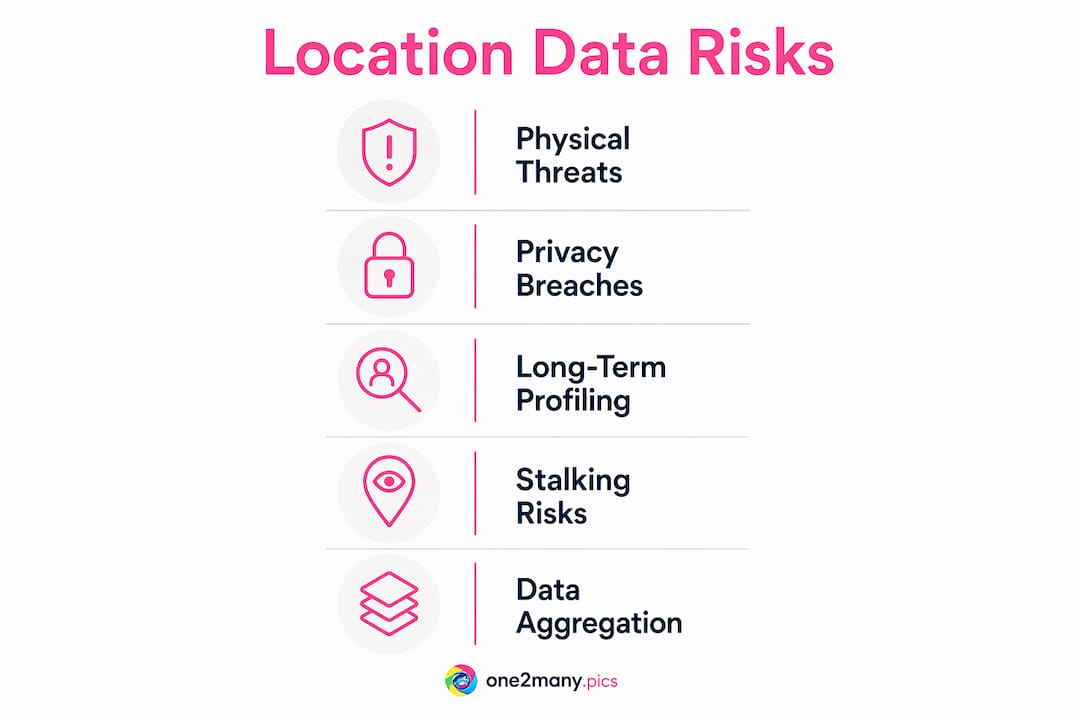
Commercial exploitation is the quieter but equally serious threat. Data brokers aggregate location trails from multiple sources, including metadata from shared images, to build behavioral profiles they sell to advertisers, insurers, and employers. Investment firms have used aggregated location data to outperform the S&P 500 by 3.7 percentage points. That figure shows exactly how valuable your movement patterns are to people with money and motive to exploit them.
National security represents the extreme end of this risk spectrum. The Pentagon confirmed that commercial location data targeted U.S. troops, demonstrating that the ad-tech ecosystem feeding on ordinary smartphone signals can become a battlefield tool. If that risk applies to military personnel, it applies to any high-profile creator, executive, or public figure.
"Privacy is about pattern-of-life construction. Aggregated location trails create detailed behavioral profiles, making metadata removal critical to digital safety." — Location data and privacy, 2026
The long-term profiling risk is what most people miss. A single geotagged photo reveals one location. A year of geotagged photos reveals your home, your gym, your office, your favorite coffee shop, and your travel schedule. Aggregated location trails enable construction of detailed behavioral profiles that go far beyond any single data point.
How do metadata removal tools compare?
Knowing the risk is step one. Choosing the right tool to address it is step two. The options range from built-in device settings to dedicated software, and they are not equally effective.
| Method | What it removes | Best for | Limitation |
|---|---|---|---|
| iOS/Android location toggle | Prevents GPS capture at source | Personal use, casual sharing | Does not remove existing metadata |
| ExifTool (command line) | Selective or full EXIF stripping | Technical users, batch processing | Requires command-line knowledge |
| PixelStrip (browser-based) | Full metadata removal | Non-technical creators | Dependent on internet connection |
| Canvas API re-rendering | All metadata, produces clean pixel buffer | Privacy-first workflows | May affect image quality slightly |
| Built-in OS tools (Windows, macOS) | Basic EXIF fields | Quick one-off removals | Inconsistent across file types |
Local, client-side tools and browser-based Canvas API re-rendering provide the safest metadata removal by producing a clean pixel buffer that drops all EXIF data by default. This approach is more reliable than partial tag removal because it leaves no residual metadata fields behind.
Selective EXIF tag removal with tools like ExifTool lets you strip GPS data while preserving color profiles that affect how images render on screen. This matters for photographers and designers who need accurate color reproduction in their published work. The tradeoff is worth understanding: full removal is safer, selective removal is more precise.
Pro Tip: Never upload original images to an unknown server-based tool for metadata removal. You are trading one privacy risk for another. Use local tools like ExifTool or browser-based options that process images on your device.
Most platforms do not automatically strip EXIF metadata on upload, so the responsibility sits entirely with you. Instagram and Facebook do strip metadata from most uploads, but smaller platforms, email, and direct file sharing do not. Assuming a platform handles it is the mistake that creates leaks.
How should creators protect image location data before sharing?
Protecting geotagged photos requires a repeatable workflow, not a one-time fix. These steps apply whether you manage one account or fifty.
-
Audit your current library. Open a sample of your recent photos in ExifTool or a free EXIF viewer. Identify which files carry GPS data and which platforms you shared them on without stripping first.
-
Set a capture policy. Keep GPS enabled on your device for personal organization and photo library management. GPS tagging helps you sort and recall where images were taken. The discipline comes at the sharing stage, not the capture stage.
-
Strip before every publish. Build metadata removal into your publishing checklist. Tools like ExifTool, PixelStrip, or One2many handle this step before the file leaves your device or workflow. For visual content privacy, this step is non-negotiable.
-
Educate your team. Social media managers working across multiple accounts are the most common source of accidental metadata leaks. A five-minute briefing on EXIF data and a shared tool in the workflow eliminates most of the risk. Review content privacy best practices with your team at least once per quarter.
-
Use platform-appropriate tools. For bulk publishing across multiple accounts, a platform like One2many removes metadata at scale and generates visual variations that prevent duplicate detection. That combination addresses both the privacy risk and the platform penalty risk in one step.
-
Review your digital footprint periodically. Metadata is one layer of your digital presence. Creators who manage their footprint proactively are less exposed to profiling, data broker exploitation, and platform suppression.
Metadata scrubbing is basic digital hygiene, comparable to locking your front door. The comparison is accurate because both actions take seconds and prevent disproportionately large harms.
Key Takeaways
Protecting location data in images requires stripping GPS-embedded EXIF metadata before sharing, using local or browser-based tools, and building removal into every publishing workflow.
| Point | Details |
|---|---|
| EXIF metadata is precise | Smartphone GPS is accurate to 3–10 meters, enough to expose your exact address. |
| Most platforms don't strip metadata | Email and smaller platforms retain GPS data, so manual removal is your responsibility. |
| Aggregated data builds profiles | Multiple geotagged images create behavioral trails that data brokers and bad actors exploit. |
| Local tools are safest | Browser-based and client-side tools like ExifTool remove metadata without uploading files to unknown servers. |
| Workflow integration is the fix | Building metadata removal into your publishing checklist eliminates accidental leaks at scale. |
The discipline gap nobody talks about
I use GPS tagging on every photo I take. It is genuinely useful for organizing a library of thousands of images across dozens of client campaigns. The ability to sort by location, recall where a shoot happened, or verify a content calendar entry against a real place is worth keeping. The mistake most creators make is treating GPS as an all-or-nothing decision.
The real discipline is not in turning off location capture. It is in building a hard stop between capture and publish. After working with creators who have accidentally exposed home addresses, hotel room locations, and private event venues through unstripped metadata, I am convinced the gap is not awareness. Most creators know metadata exists. The gap is workflow. Nobody builds the removal step into their process until something goes wrong.
The other overlooked risk is device model data. Creators who use their personal phone for both private and professional content are broadcasting their device fingerprint with every image. That information feeds into cross-platform tracking in ways that go beyond GPS. Stripping GPS alone is not enough. Full metadata removal, or Canvas API re-rendering that produces a clean file from scratch, is the only approach that closes all the gaps.
Safeguarding digital privacy in images is not a technical problem. It is a habit problem. The tools exist and most of them are free. The only thing standing between your location data and the open internet is whether you use them consistently.
— one2many.pics
How One2many protects your image metadata at scale

One2many is built for creators and social media managers who need metadata control without adding friction to their publishing workflow. The platform removes GPS coordinates, device info, and timestamps from every image before download, and generates visual variations that prevent duplicate detection across accounts and platforms. You get privacy-first image sharing with bulk processing, customizable variation settings, and secure downloads in one place. Whether you manage a single account or a full agency roster, One2many handles the metadata removal step that most creators skip. Start protecting your location data before your next post.
FAQ
What is EXIF metadata in photos?
EXIF metadata is a data layer embedded in image files that records GPS coordinates, timestamps, device model, and camera settings. It is created automatically by smartphones and cameras at the moment of capture.
Does Instagram remove location data from uploaded photos?
Instagram strips most EXIF metadata on upload, but smaller platforms, email, and direct file sharing do not. You should remove metadata before sharing on any platform to avoid unintentional leaks.
What is the safest way to remove GPS data from images?
Local or browser-based tools like ExifTool and PixelStrip are the safest options because they process files on your device without uploading them to external servers. Canvas API re-rendering produces the cleanest result by generating a new pixel buffer with no residual metadata.
Can location data in images be used to track someone?
Yes. Aggregated GPS data from multiple shared images builds a detailed behavioral profile that reveals home address, workplace, travel patterns, and daily routines. Data brokers and bad actors both exploit this information.
Why should social media managers care about image metadata?
Social media managers handle images from multiple sources and post across multiple platforms, making them the most common source of accidental metadata leaks. A single unstripped image can expose a client's private location or device information to anyone who downloads the file.