
Picture this: it's 8 a.m., and you're already juggling six browser tabs, two phones, and a growing stack of unread notifications across Instagram, TikTok, LinkedIn, and three client Facebook pages. One wrong login, one duplicate post, one exposed piece of metadata, and a week's worth of content strategy unravels. Managing multiple social media accounts without a solid system is one of the fastest ways to burn out, make costly mistakes, and expose your clients' data. This guide gives you the exact tools, step-by-step workflows, and privacy-first practices you need to bring real order and confidence to your daily account management routine.
Table of Contents
- What you need to manage multiple accounts
- Step-by-step: Setting up and organizing your accounts
- Privacy and security essentials for account management
- Troubleshooting, common mistakes, and staying efficient
- Expert perspective: Balancing efficiency and privacy in 2026
- Take your multi-account management to the next level
- Frequently asked questions
Key Takeaways
| Point | Details |
|---|---|
| Centralize your tools | Using official dashboards saves time and prevents mistakes across platforms. |
| Prioritize privacy | Always enable 2FA, limit tool permissions, and audit connected apps. |
| Organize for efficiency | Set up clear labeling, group accounts logically, and plan content workflows. |
| Avoid risky shortcuts | Be cautious of unofficial tools and focus on compliance for long-term account health. |
What you need to manage multiple accounts
Before you open a single dashboard, you need to take stock of what you're actually working with. This means cataloging every account you manage, the platforms they live on, who owns the login credentials, and what level of access each account requires. Skipping this step is like trying to organize a warehouse without knowing what's in it.
The foundation of efficient multi-account management is a centralized tool. Centralized dashboards from tools like Hootsuite, Buffer, and Agorapulse let you connect platforms including Instagram, Facebook, TikTok, X, LinkedIn, and YouTube in one interface for scheduling, analytics, and engagement. Without a dashboard, you're logging in and out of individual platforms dozens of times a day, which wastes time and raises your exposure to security risks.
Here's a quick checklist of what you need before starting setup:
- Admin access or appropriate role permissions for every account you manage
- Unique, strong passwords stored in a reputable password manager (not a spreadsheet)
- Multi-factor authentication (MFA) set up on each account before connecting it to any tool
- A clear content calendar so you know what's going out, when, and from which account
- An understanding of each platform's posting policies, especially rules around cross-posting and automation
You also need a baseline understanding of posting best practices and compliance rules for creators so that your workflow stays within platform guidelines from day one.
| Requirement | Why it matters |
|---|---|
| Centralized dashboard | Reduces login friction and centralizes analytics |
| Password manager | Eliminates credential reuse and spreadsheet risk |
| MFA on all accounts | First line of defense against unauthorized access |
| Content calendar | Prevents duplicate or missed posts |
| Platform policy knowledge | Keeps accounts in good standing |
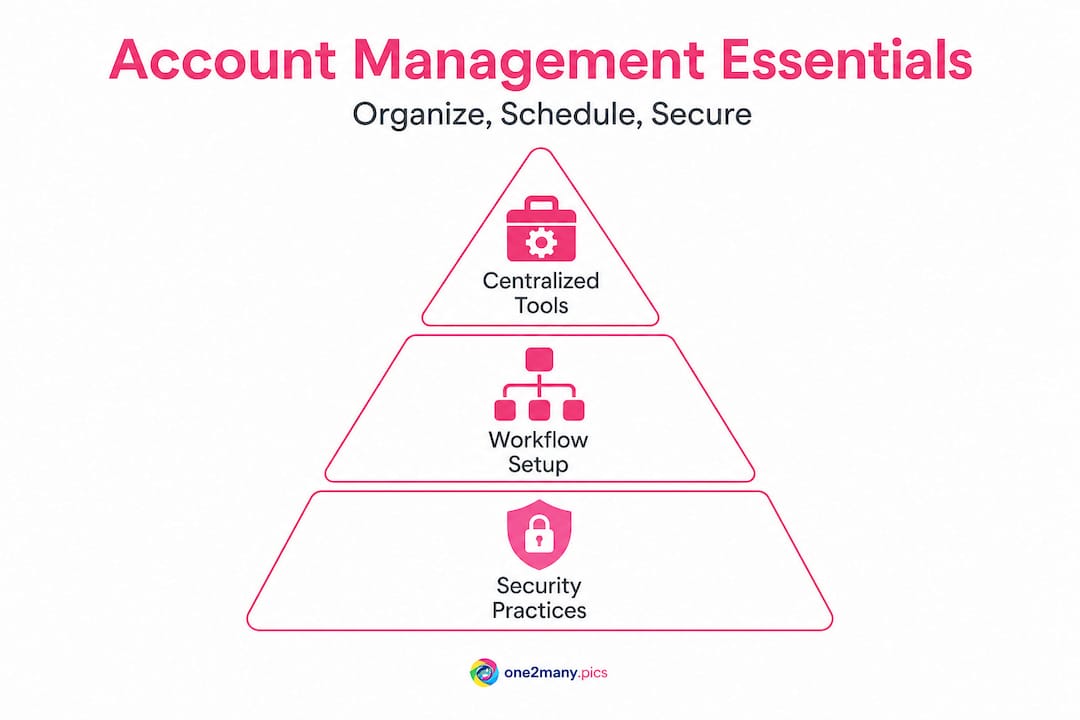
Getting these pieces in place before you start connecting accounts saves you from having to retrofit security or organization onto a chaotic system later. Preparation here is not optional. It's the difference between a workflow that scales and one that breaks at the worst possible moment.
Step-by-step: Setting up and organizing your accounts
With your tools and access in place, it's time to get organized and set up your management system for smooth daily use. The goal here is not just to connect accounts but to build a structure you can actually maintain as your workload grows.
Step 1: Audit every account you manage. List every profile, the platform it's on, its purpose (client, personal, brand), and who has access. This gives you a clean starting point and often surfaces forgotten or dormant accounts that carry security risk.
Step 2: Choose your dashboard based on team size and feature needs. A solo creator and a 10-person agency have very different requirements. Here's a practical comparison:
| Dashboard | Best for | Key features | Price range |
|---|---|---|---|
| Hootsuite | Agencies, large teams | Bulk scheduling, analytics, team roles | Mid to high |
| Buffer | Solo creators, small teams | Simple interface, scheduling, basic analytics | Low to mid |
| Agorapulse | Client-facing agencies | CRM-style inbox, reporting, approval flows | Mid to high |
| Later | Visual creators, Instagram-heavy | Drag-and-drop calendar, link-in-bio | Low to mid |
Step 3: Connect accounts systematically. Don't connect everything at once. Start with your highest-priority accounts, test the connection, then add more. This approach makes it easier to troubleshoot if something breaks during setup.
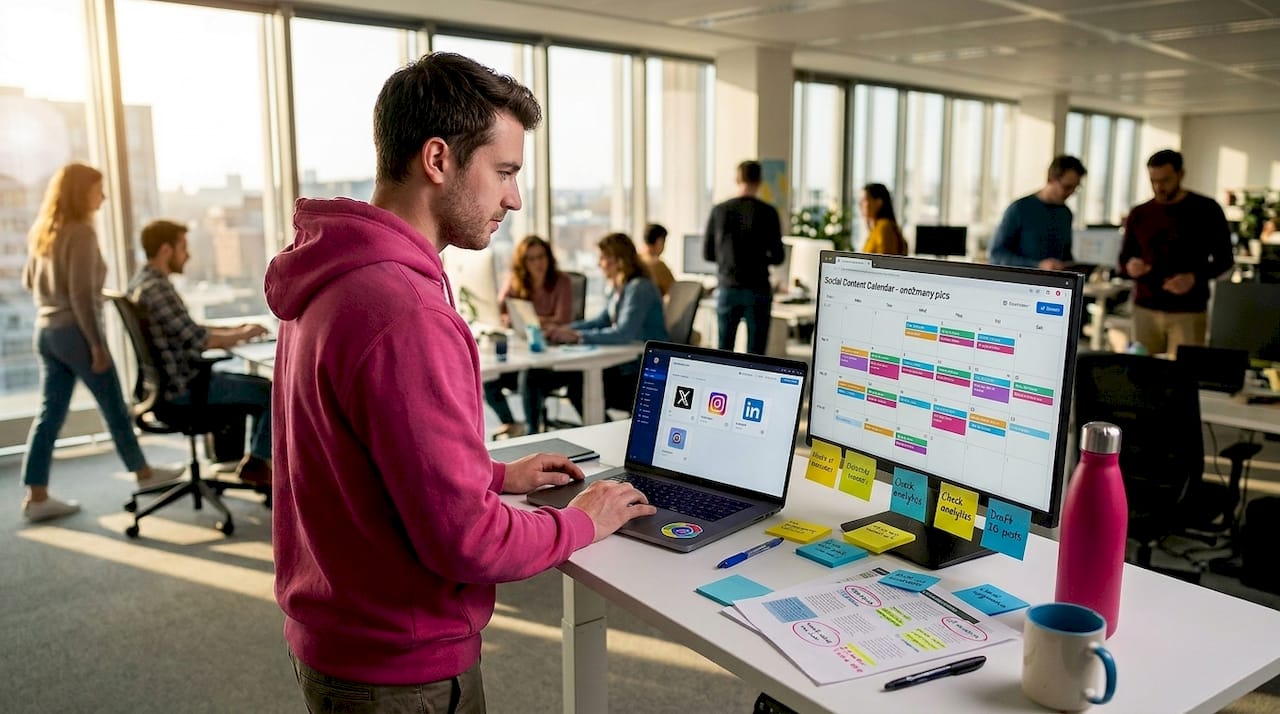
Step 4: Create a labeling and grouping system. Centralized dashboards allow you to organize accounts by client, by platform, or by campaign. Use this feature. Group a client's Instagram, Facebook, and TikTok together so their content flows in one view rather than scattered across your interface.
Step 5: Load your content calendar into the scheduler. Start with one to two weeks of scheduled content before you go live. This buffer gives you time to fix issues without the pressure of missing a posting deadline.
Step 6: Set up approval workflows if you work with a team or clients. Most mid-tier and above dashboards support multi-step approval before a post goes live. This is essential for client accounts where unauthorized or off-brand content is a serious liability.
Pro Tip: Group accounts by client or campaign in your dashboard, then create separate content queues for each group. This prevents the classic mistake of posting a client's promotional content to your personal account or vice versa. The extra 15 minutes it takes to set this up saves hours of panic later.
Review cross-platform posting examples to understand how format and timing should shift between platforms, and explore visual content choices to see how image selection affects both reach and platform perception.
Privacy and security essentials for account management
Organizing accounts is only half the battle. The next priority is keeping every login private and secure. This is where most social media managers cut corners, often without realizing the exposure they're creating.
The most important step is enabling multi-factor authentication on every single account before connecting it to any third-party tool. According to privacy and data security research, you should enable MFA and limit third-party app permissions to the minimum needed, avoid granting access to direct messages or password settings, monitor login activity, use OAuth authentication, and revoke access from tools you no longer use. Each of these steps might take five minutes individually. Together, they form a barrier that stops most unauthorized access attempts cold.
Here are the specific actions to take for each account under management:
- Enable 2FA/MFA using an authenticator app rather than SMS where possible, since SIM-swapping attacks can compromise SMS codes
- Grant only the permissions each tool actually requires. If a scheduling tool only needs to post content, it should not have access to your DMs or account settings
- Review connected apps monthly. Revoked access from tools you stopped using is one of the most overlooked security gaps in multi-account management
- Monitor login history and device lists on each platform, and set up alerts for new logins from unknown devices
- Use OAuth (a secure, token-based authorization standard) instead of sharing raw credentials with any tool
Skipping even one of these steps across 10 or more accounts creates 10 potential entry points for bad actors. A single compromised account can cascade into lost client relationships, brand damage, or platform bans. The 20 minutes it takes to audit permissions is not optional.
Pro Tip: Use OAuth wherever available and set a monthly calendar reminder to audit your connected apps. Remove anything you have not used in 30 days. This one habit alone eliminates a significant chunk of your passive security risk without any complex technical knowledge required.
For deeper reading, the security guide for accounts covers platform-specific settings, and understanding fingerprints and privacy explains how platforms track device behavior across accounts, which is especially relevant if you manage multiple accounts from the same device.
Troubleshooting, common mistakes, and staying efficient
Even with strong foundations, challenges arise. Here's how to stay efficient and fix issues before they hurt your workflow.
The most common operational problems in multi-account management fall into three categories: missed posts, disconnected accounts, and duplicate content. Each has a clear fix.
Missed posts usually happen because the account got disconnected from the dashboard after a password change or token expiration. Set a weekly check to verify that all accounts are actively connected. Most dashboards flag disconnected accounts with a warning icon, but you have to actually look for it.
Disconnected accounts tend to occur after platform security updates or when a connected app's permissions are revoked. When this happens, simply re-authenticate through the dashboard's account settings. Do not try to work around a broken connection by posting manually and then reconnecting. This creates scheduling gaps and potential duplicate posts.
Duplicate content across accounts is both a workflow problem and a platform risk. Platforms increasingly use content type detection to identify identical posts across accounts, which can trigger suppression or shadowbanning. Each account should receive content that is at least visually distinct, even when the underlying message is the same.
Common mistakes that hurt both efficiency and account standing:
- Using unofficial automation tools that access platform APIs in unauthorized ways. These violate terms of service and can result in permanent bans without warning
- Sharing login credentials across team members instead of using role-based access inside the dashboard. If an employee leaves, a shared password means the account is still accessible to them
- Ignoring analytics data from your dashboard. The performance data sitting in your scheduling tool tells you exactly which posting times, formats, and content types drive results. Not reading it means you're flying blind
- Never rotating content formats. Posting the same image style or caption template across 10 accounts signals automation to platform algorithms
Pro Tip: Batch-schedule content one week at a time during a single focused session rather than posting ad-hoc throughout the day. Pair this with a weekly analytics review to spot underperforming accounts before they become bigger problems. This approach typically saves three to four hours per week compared to reactive posting.
Legitimate managers and creators prioritize official tools like Hootsuite and Buffer for efficiency, while high-volume operators sometimes layer in additional privacy tools. The key is knowing when each approach fits your actual needs and platform policies.
Review privacy tips for creators for a detailed breakdown of how to protect your digital footprint while maintaining posting volume.
Expert perspective: Balancing efficiency and privacy in 2026
Now that you're set up and aware of common pitfalls, let's look at the bigger picture shaping account management in 2026. The conversation has shifted. It's no longer just about which tool lets you post the fastest. Platform algorithms have become sophisticated enough to detect behavioral patterns, duplicate metadata, and device fingerprints in ways that were purely theoretical just a few years ago.
Here's the uncomfortable reality: the efficiency gains from official dashboards are real and necessary, but they don't solve the deeper privacy challenges that come with scale. Posting the same image to 10 accounts through a dashboard is faster than doing it manually. But the image still carries the same EXIF metadata, the same visual hash, and the same fingerprint that links those posts together in the platform's detection systems.
Legitimate managers and creators using official tools get compliance and speed. Agencies operating at high volume often layer in additional privacy measures to avoid cross-account detection, which is a gray area that requires careful navigation. The right answer depends entirely on your use case and risk tolerance.
What actually works well in 2026 is a layered approach. Use an official dashboard for scheduling, analytics, and team collaboration. That's non-negotiable for efficiency. Then, separately, address your content's digital footprint before it ever reaches the scheduler. Strip metadata, create visual variations, and treat each account's content as genuinely distinct rather than identical copies of the same file.
The creators and agencies getting the best results right now are the ones treating privacy as a content production step, not an afterthought. They're not choosing between speed and privacy. They're building workflows where both happen automatically. Explore dashboard alternatives for pros to see how other tools fit into this layered approach.
Take your multi-account management to the next level
Ready to make managing several accounts even safer and more seamless? Scheduling and organization tools solve the workflow side of multi-account management, but they don't address what happens at the content level. If you're posting similar images across multiple accounts, those images may carry metadata or visual signatures that link your accounts together in ways platforms can detect.

One2Many.pics is built specifically for this gap. The platform lets you upload original images and generate multiple unique versions by removing metadata like location data, device info, and timestamps, while also creating visual variations that avoid duplicate detection. Whether you're a solo creator managing several brand accounts or an agency running dozens of client profiles, you can scale your untraceable social media images output without leaving a traceable footprint. It fits directly into your existing scheduling workflow, giving you both the efficiency of a dashboard and the privacy protection your content actually needs.
Frequently asked questions
What is the safest way to manage multiple social media accounts?
The safest approach combines centralized dashboard tools for scheduling and analytics with strict security practices like 2FA, minimal app permissions, and regular access audits, so no single vulnerability can compromise all accounts at once.
How can I save time when posting to multiple accounts?
Dashboard tools like Hootsuite, Buffer, and Agorapulse let you schedule and distribute content to all connected accounts from one interface, replacing hours of manual logging in and out with a single organized queue.
What's the difference between official dashboards and proxies?
Official dashboards focus on compliant, policy-safe convenience, while proxy or anti-detection tools attempt to mask account relationships, which can work at scale but carries real policy and platform ban risks.
How do I keep client accounts and my own accounts private?
Create separate permission roles or workspace containers for each client inside your dashboard, limit which team members have access, and follow regular audit practices to revoke stale credentials and connected app access on a monthly schedule.